




Modern expense management for law firms

5x
faster month-end close
<1 hr
per month to reconcile
90%
less time on expenses
7 days
to be fully integrated
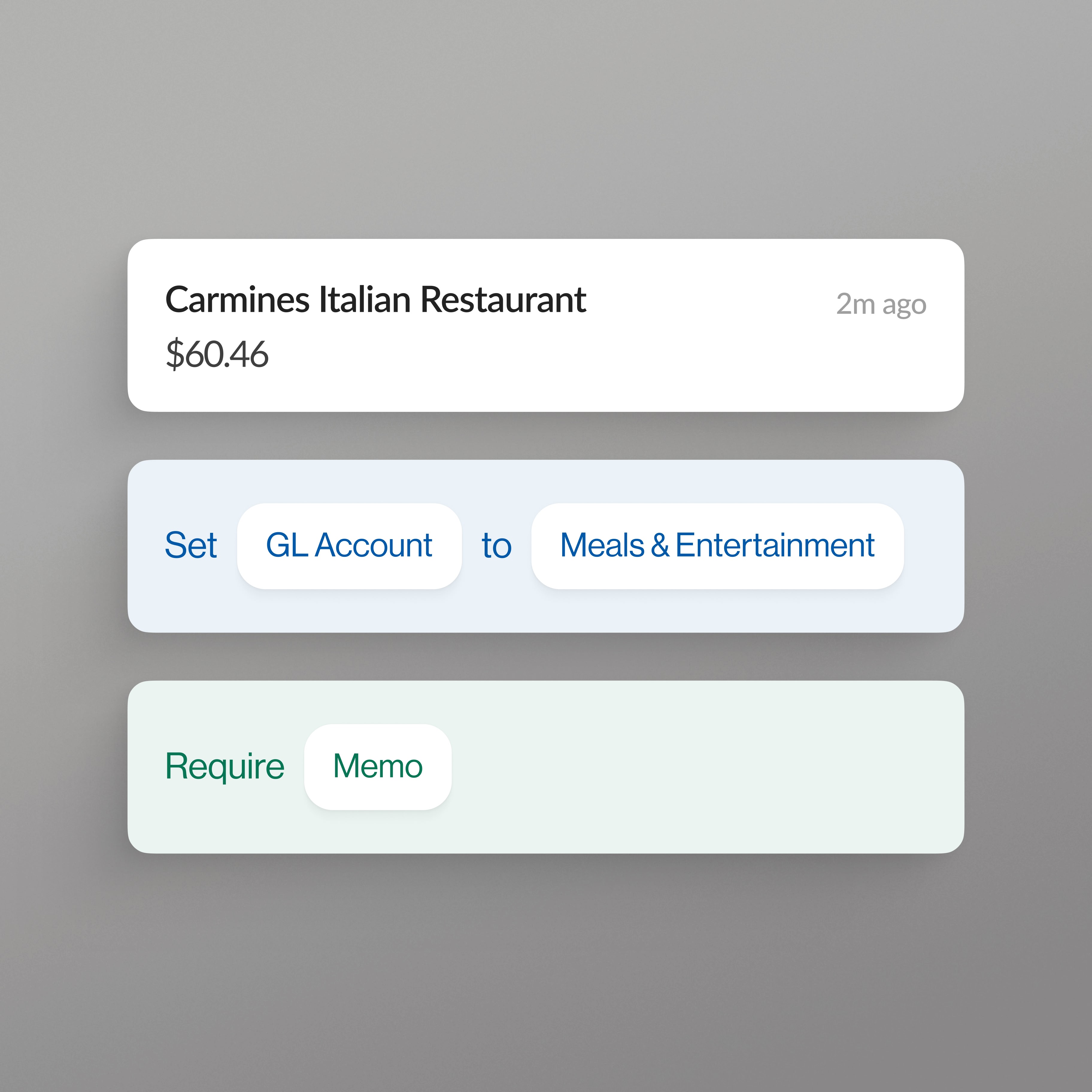
Every card swipe coded to client and matter
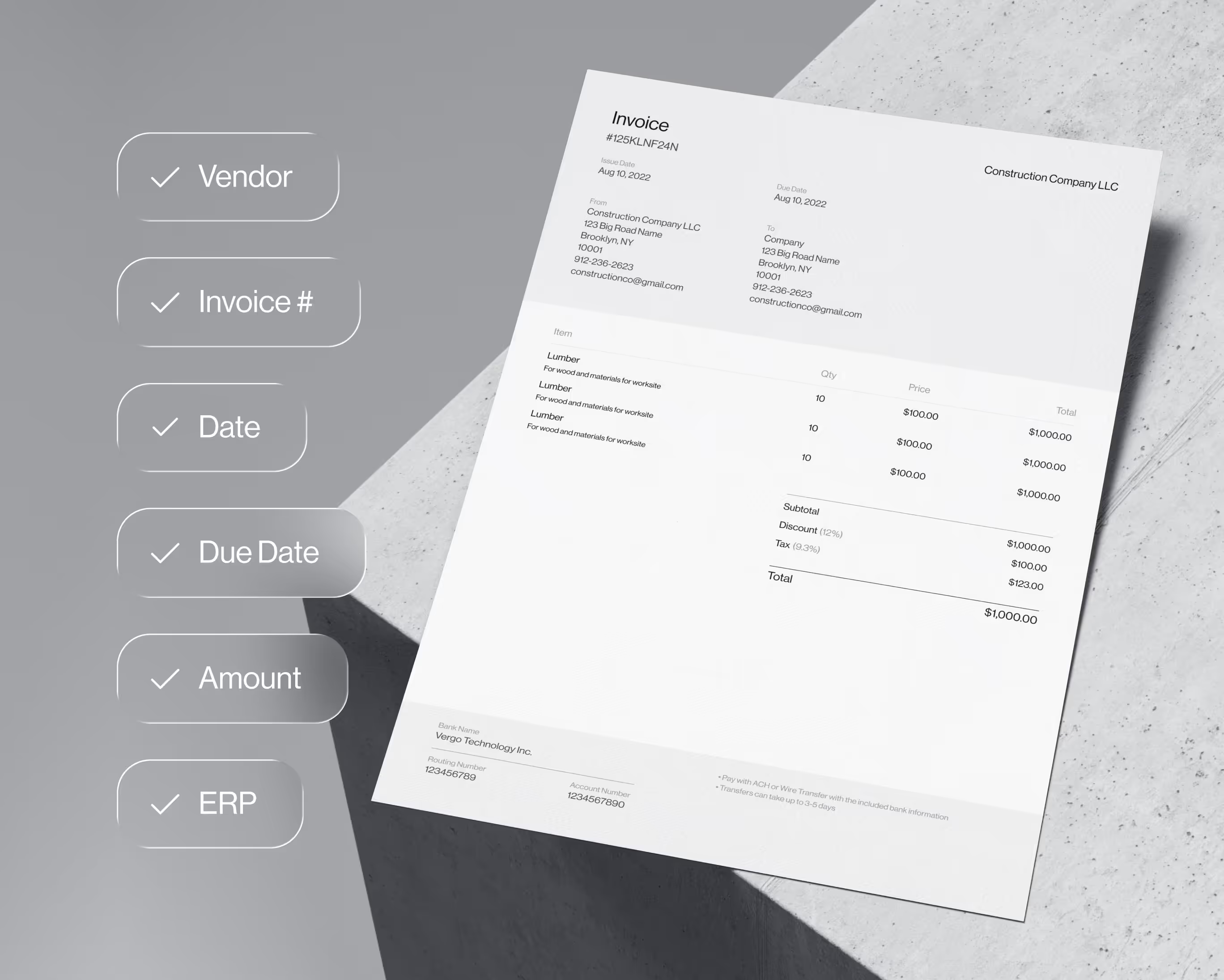
AP invoices coded to client and matter before they post
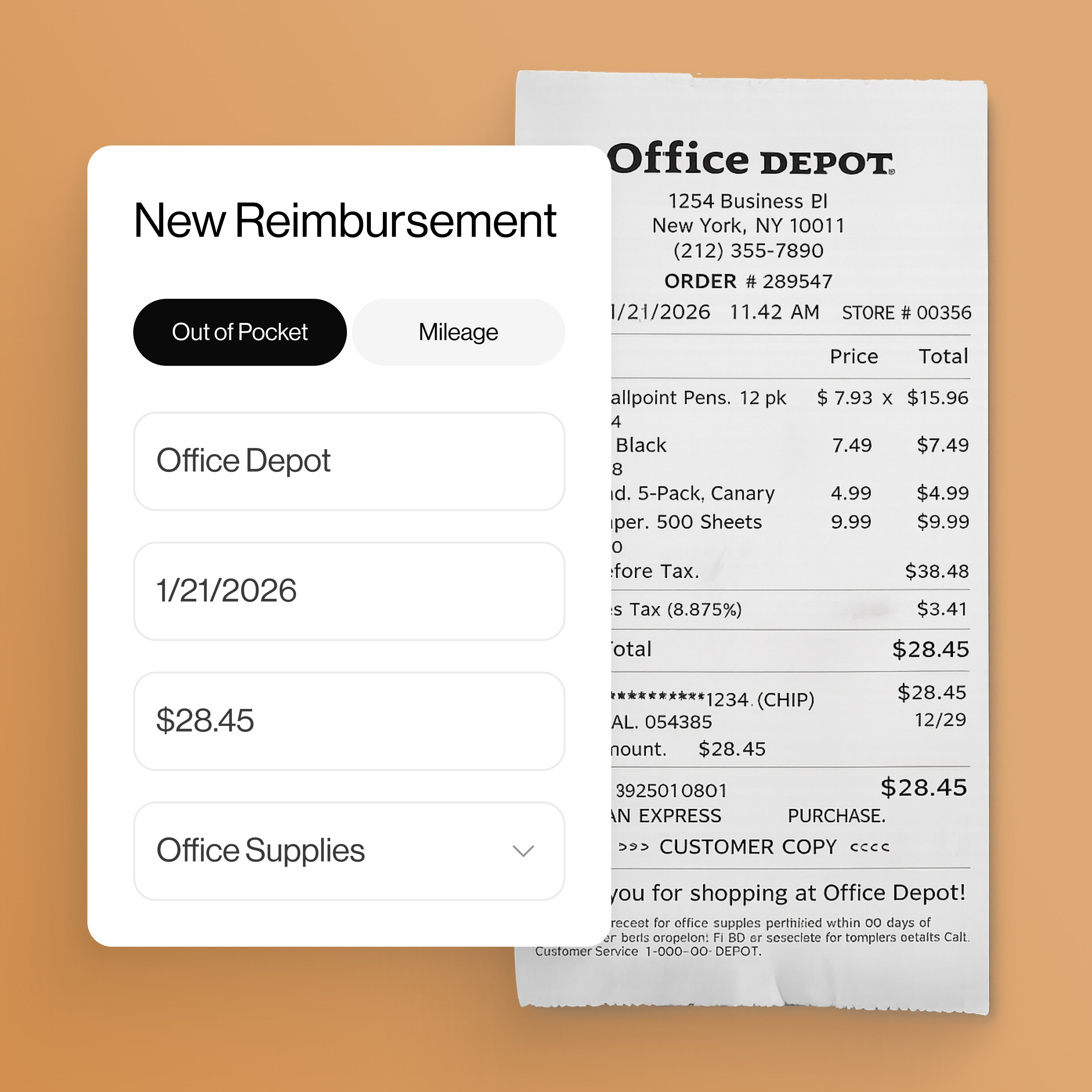
Reimbursements without the expense report
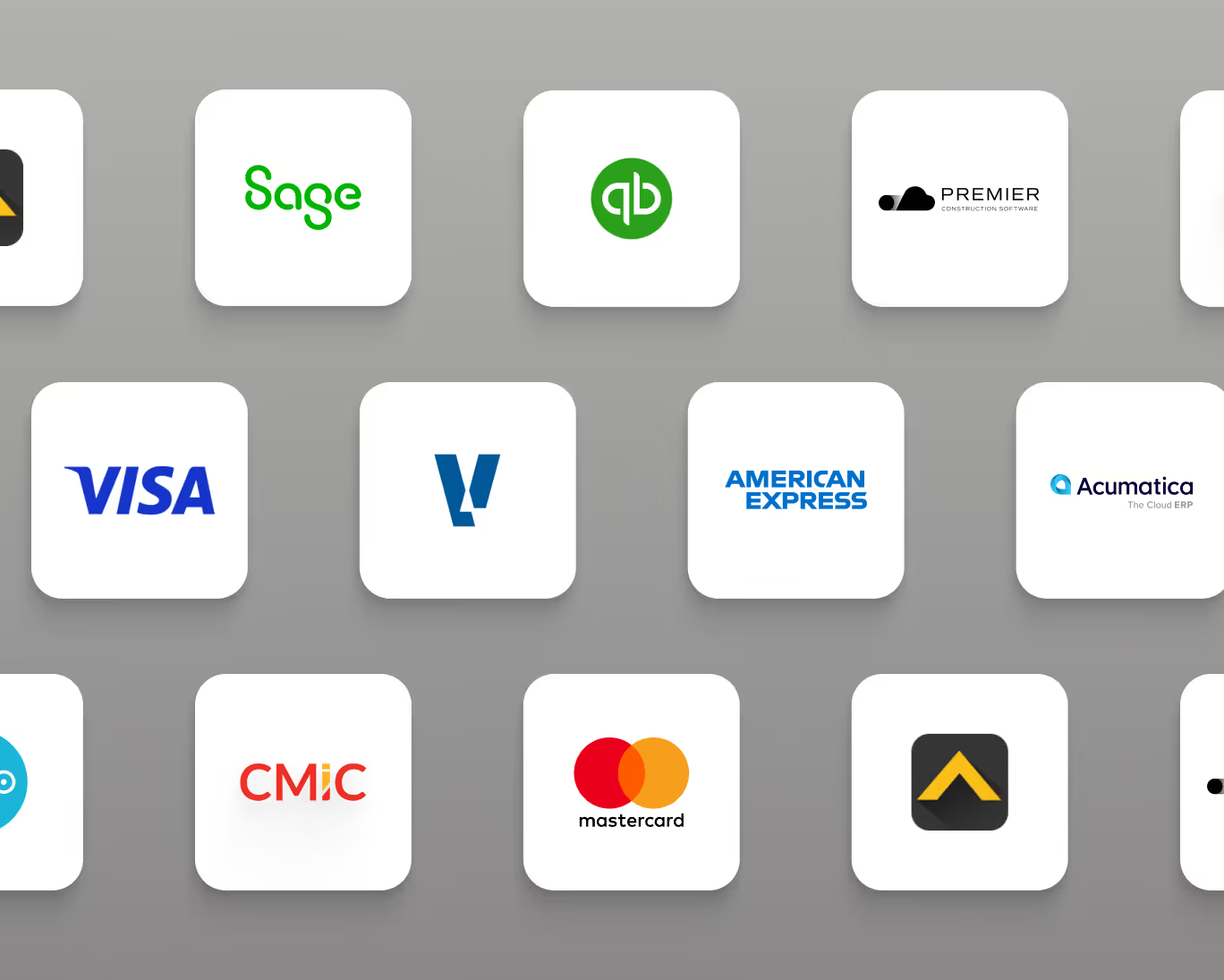
Syncs with the accounting system you already run
Vergo connects to the industry systems law firms run, including Aderant and Actionstep, and to general ERPs such as QuickBooks Online, Business Central, JD Edwards, PeopleSoft, SAP Business One and Xero.

Frequently asked questions
How does Vergo help my law firm manage expenses?
Vergo connects to the cards your law firm already holds and codes every transaction to your clients and matters by AI inference — employees submit receipts by text message, approvals run on your rules, and coded entries sync to your accounting system.
How does Vergo integrate with my law firm's accounting software?
11 accounting systems used in legal have a verified integration path, and Vergo integrates with every ERP and accounting software beyond those. It reads your clients, matters and GL accounts so spend is coded to your own structure, then posts coded entries back.
How does Vergo automate vendor invoice entry into my ERP?
Invoices are captured and read line by line, coded against the same clients and matters as your card spend, and routed through approvals on your rules — then posted to your ERP with no re-keying.
How does Vergo handle employee reimbursements for my law firm?
Employees submit expenses by text message, the receipt is read and coded like any other spend, and approved reimbursements sync to your payroll or AP for payment without waiting for month end — reconciled in your accounting system alongside cards and AP.
Do we have to change cards to use Vergo?
No. Vergo does not issue cards and never asks you to switch — it connects to the corporate and personal cards your law firm already holds, and money keeps moving on the rails you already use.
