View

AP Invoice Automation Software for Construction Companies

Completely automate your AP process with a solution customized for construction companies.
Eliminate Data Entry
Process in Seconds
Sync all Seamless to your ERP
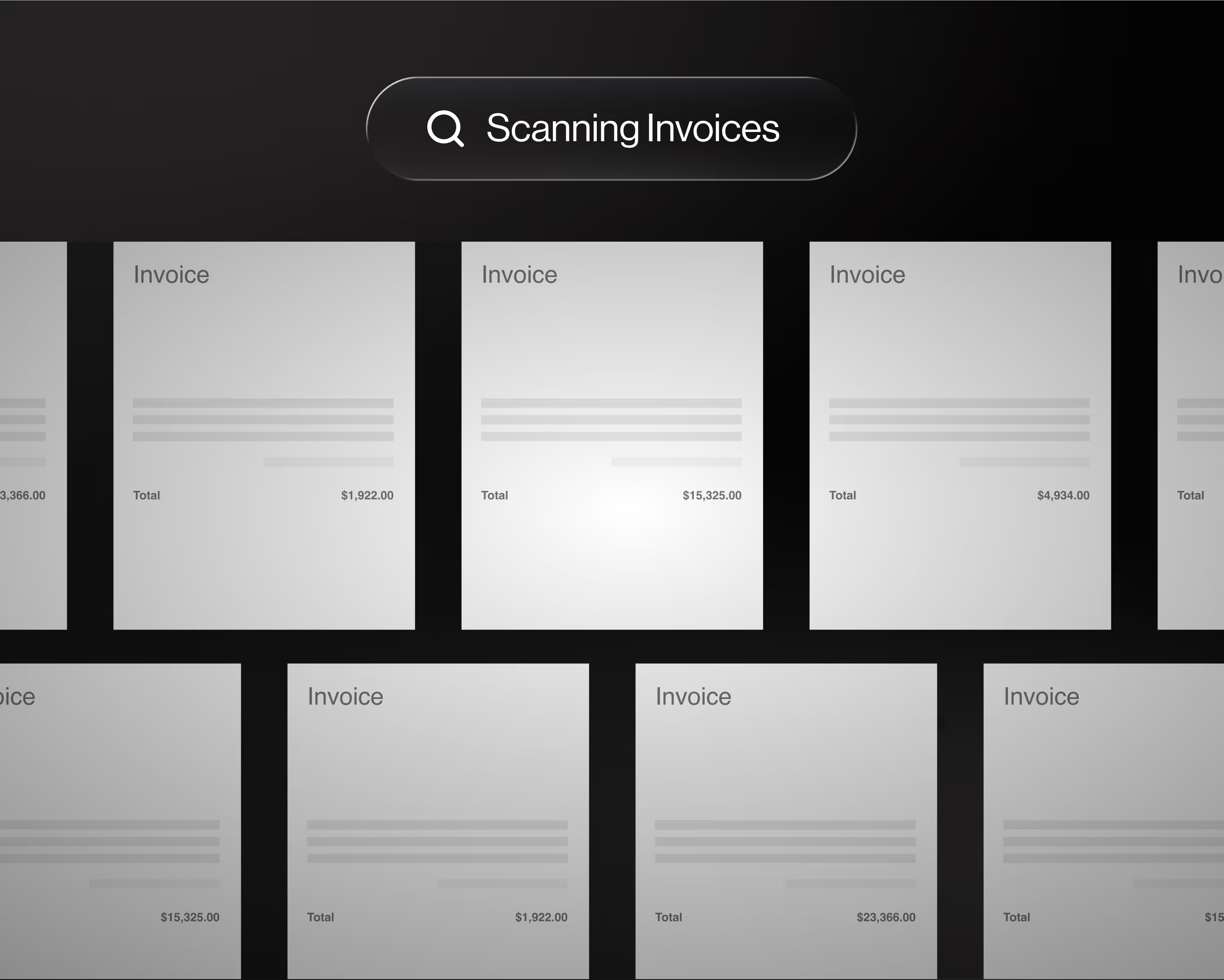
Digital interface showing multiple scanned invoice pages with varying total amounts on a dark background beneath a search bar labeled 'Scanning Invoices'.

5x

faster month-end close

1 hr

a day reconciliation

50%

less time on expenses

7 days

to be fully integrated

"Vergo is all about the customer and they genuinely care. Always attentive and always there when you need them."

Roger Helwig
Victory woodworks

Go paperless with AP automation

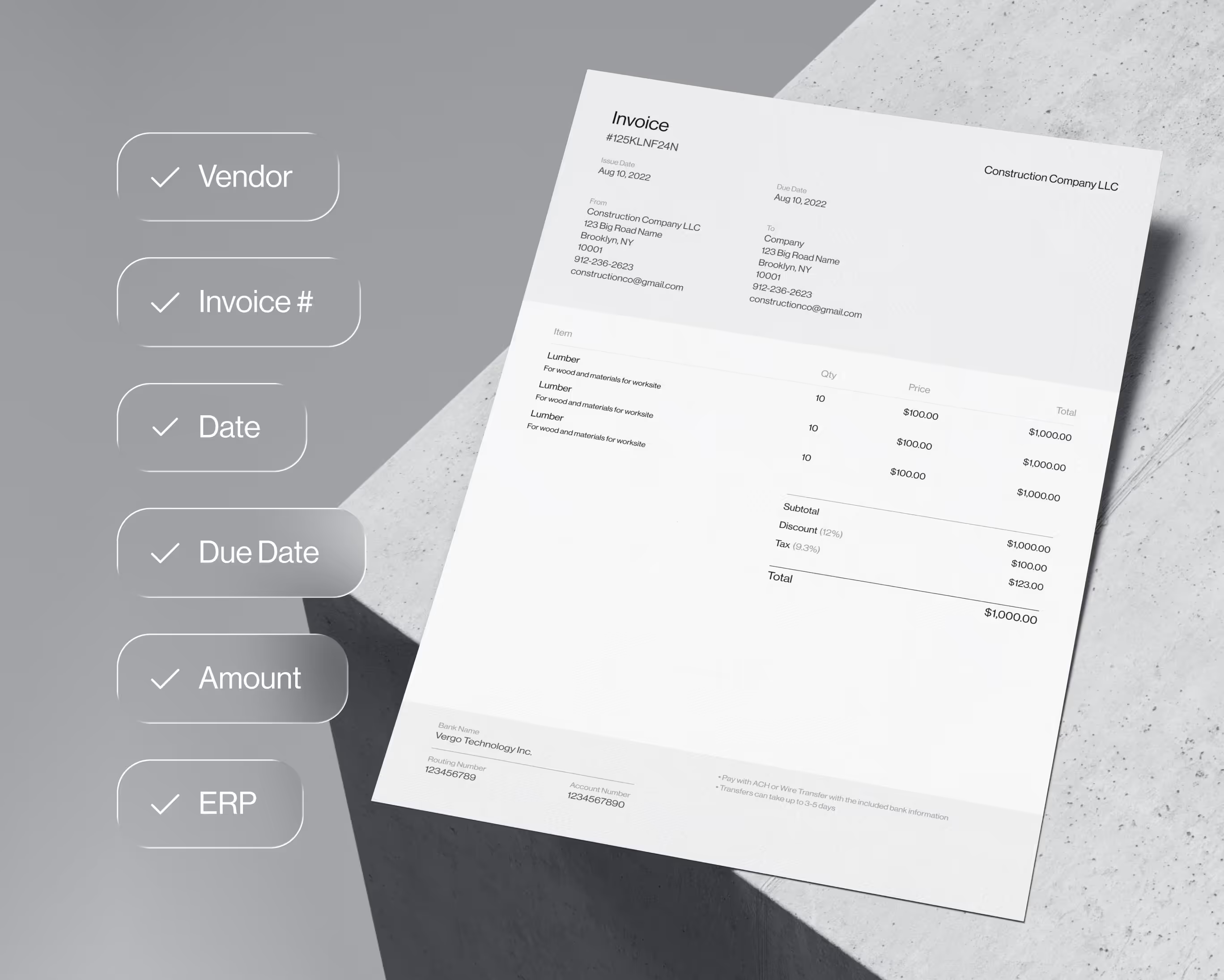
Our software automatically pulls in invoice data from your inbox and auto-populates all the data from the invoice.
Invoice document for construction company showing itemized lumber charges, with a checklist highlighting Vendor, Invoice #, Date, Due Date, Amount, and ERP on the left.
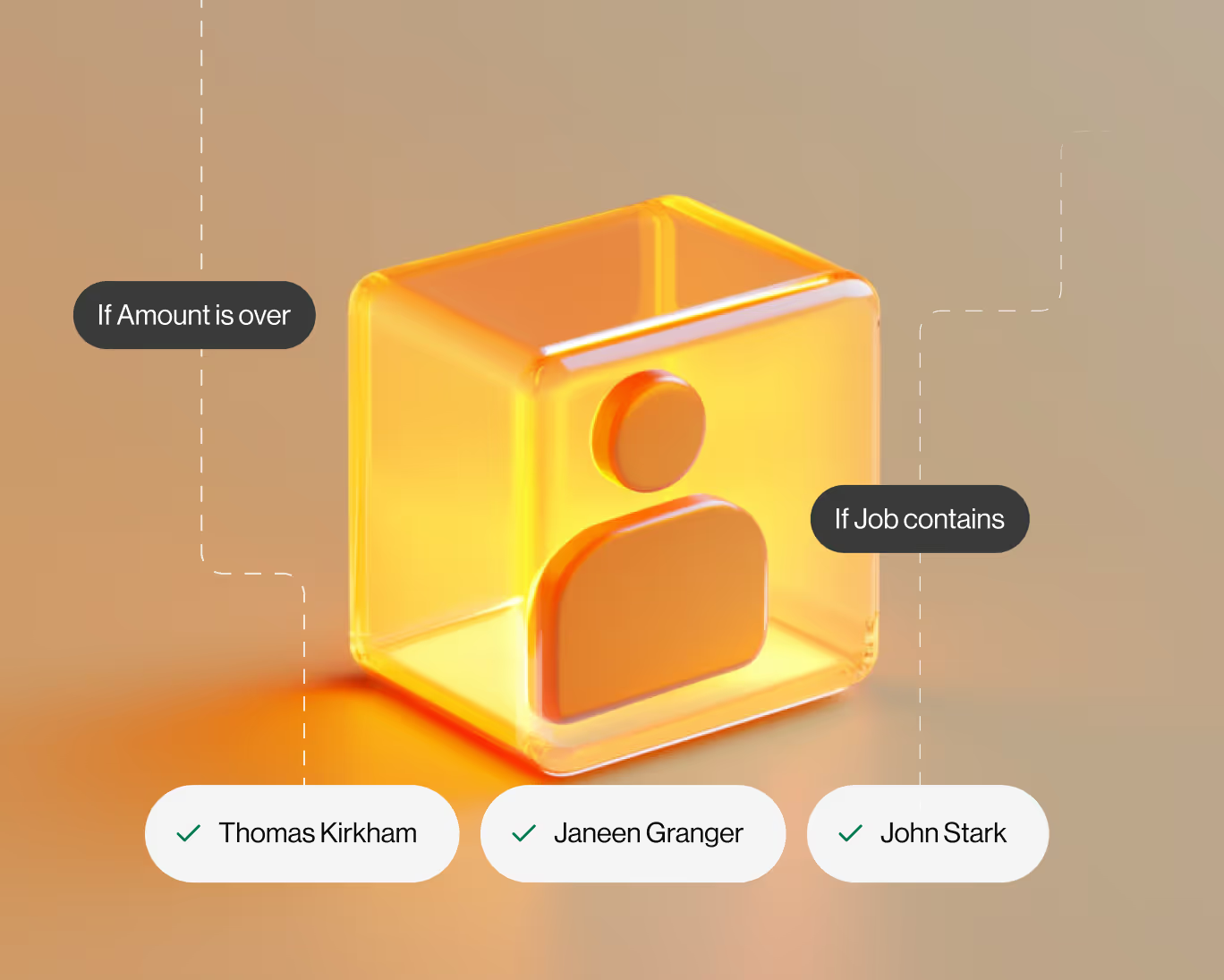
Orange transparent cube with a user icon inside, connected by dashed lines to labels 'If Amount is over' and 'If Job contains' above checkmarked names Thomas Kirkham, Janeen Granger, and John Stark.

Project-based approval workflows

Automatically route invoices to project managers based on logic like Job Number to speed up approvals and reduce book close delays.

Easy to use and incredibly powerful

Our dashboard is intuitive for anyone to use with modern workflows and product design - from project managers to accounting staff, anyone can use Vergo.
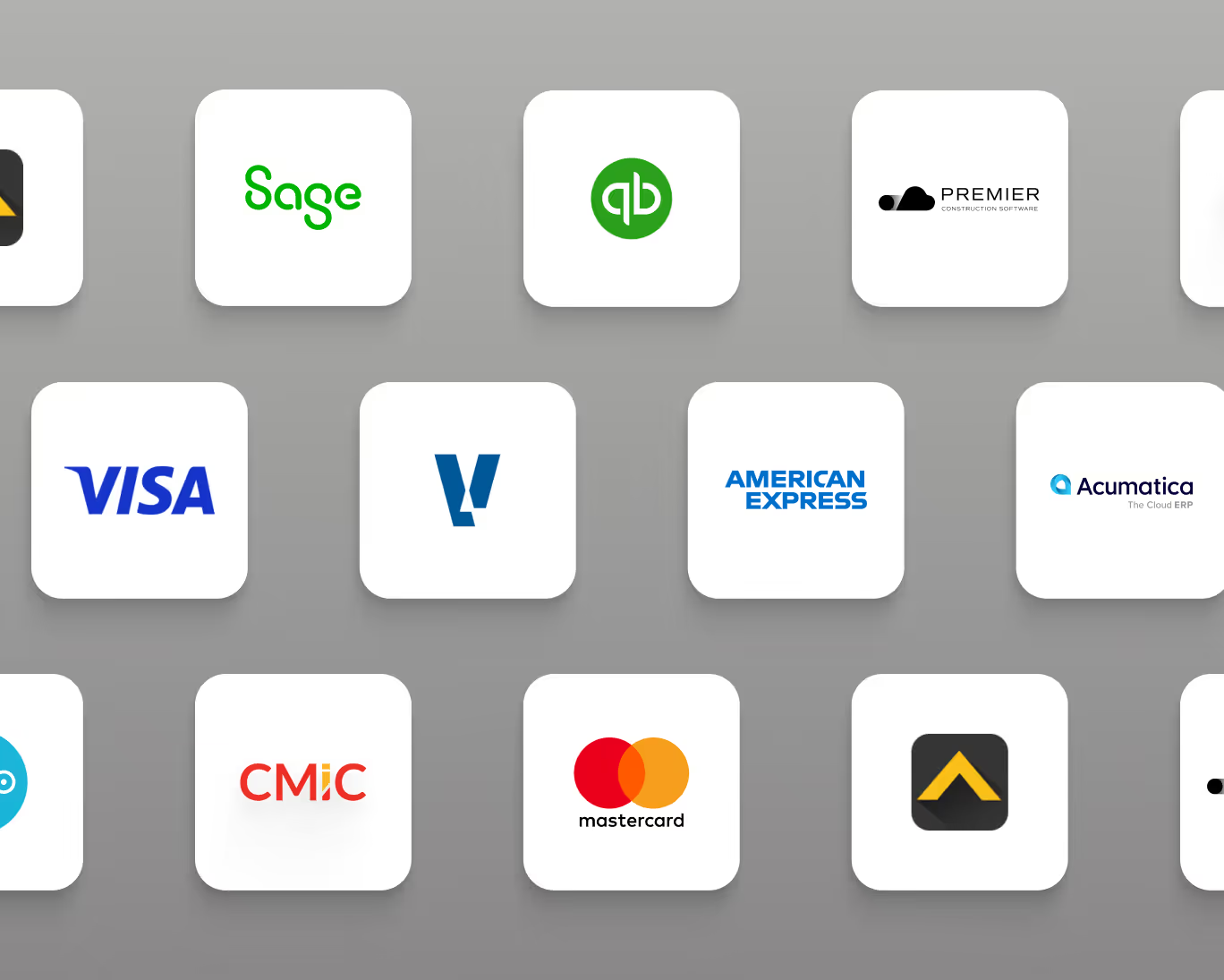
Grid of business logos including Sage, QuickBooks, Premier Construction Software, Visa, American Express, Acumatica, CMIC, and Mastercard on white rounded squares with gray background.

Robust Industry ERP Integrations

Integrates seamlessly with Viewpoint Spectrum, Viewpoint Vista, Foundation Software, Sage, Acumatica, Quickbooks and more.

World-class support

Orange shield with a yellow checkmark symbol on a textured black background.

Quality Guarantee

We offer a complimentary integration with your ERP system and you don't pay until your system is setup and working the way you want it.

Integrates with your ERP

Integrates seamlessly with Viewpoint Spectrum, Viewpoint Vista, Foundation Software, Sage, Acumatica, Quickbooks and more.
Man and woman focused on typing at computers in a dimly lit room with warm lighting.

24/7 Customer Support

Your business never stops and we know that when you need support you need it quick, that’s why we are always here to help.
CTA Succes Clicker
Get Started

Put your construction accounting on autopilot

Book Demo
Book Demo
FAQs

Frequently Asked Questions

Which construction ERPs does Vergo's AP automation integrate with?

Vergo's AP automation integrates directly with Viewpoint Vista, Viewpoint Spectrum, Foundation Software, Sage 100 Contractor, Sage 300 CRE, Sage Intacct Construction, Acumatica, CMiC, JOBPOWER, Jonas Construction, Premier Construction Software, and QuickBooks. Approved invoices post into your ERP's AP module with the correct job cost coding — no re-keying, no import files.

What are the most common accounts payable challenges in construction?

The most common construction AP challenges are: high invoice volume across multiple vendors and jobs, manual data entry into the ERP, slow project manager approvals that delay posting, duplicate invoice payments, miscoded job costs that require correction at month-end, and subcontractor invoice management including lien waiver tracking. Vergo addresses all of these through automated capture, AI extraction, rule-based coding, and configurable approval workflows.

How does Vergo handle subcontractor invoices?

Vergo captures subcontractor invoices from your AP inbox, extracts all line-item data, applies subcontract and job coding, and routes to the responsible project manager for approval. Vergo can also enforce lien waiver requirements and match the invoice against the subcontract value to flag overbillings before approval. Approved invoices post to your ERP's subcontract AP module with the correct coding.

How does AP automation affect month-end close for construction teams?

Invoice backlogs are one of the leading causes of delayed month-end close in construction. When invoices pile up waiting for manual entry or PM approval, job cost reports are incomplete and WIP schedules are inaccurate. Vergo eliminates the backlog by processing invoices in real time — as soon as they hit your inbox, they are captured, coded, and in the approval queue. Vergo customers have reduced AP processing time by over 50% and cut month-end close from 10 days to 2 days.

Does Vergo work with both emailed and paper invoices?

Yes. Vergo captures invoices automatically from your AP email inbox. For paper invoices, your team can drag and drop the PDF into Vergo or forward it to your dedicated Vergo AP inbox address. Vergo's AI processes all formats — PDFs, scanned images, and email attachments — and extracts the same data fields regardless of how the invoice was received.

Can Vergo detect duplicate invoices before they are paid?

Yes. Vergo's duplicate detection engine flags any invoice where the vendor, amount, and invoice number match a previously processed invoice. This catches the most common sources of double payment in construction AP — resubmitted invoices, emailed duplicates, and invoices entered manually that were also captured from the inbox. Flagged duplicates are held for controller review before they can be approved or posted.

How does Vergo route AP invoices to the correct project manager?

Vergo uses configurable rule-based approval routing. You can route invoices based on Job Number, vendor, invoice amount, cost code, or any combination. For example, any invoice over $10,000 on a specific job automatically routes to the assigned project manager, with a secondary escalation to the CFO if it exceeds $50,000. Project managers approve from their phone or email — no ERP login required.

How does Vergo automate AP invoice processing?

Vergo connects to your AP email inbox and captures every vendor and subcontractor invoice that arrives. AI extracts the vendor name, invoice number, date, due date, line items, and total. The invoice is coded to the correct Job Number, Cost Code, and GL Account based on your rules, routed to the appropriate project manager for approval, and posted directly into your construction ERP — all without manual entry from your accounting team.

What is AP automation for construction companies?

AP automation for construction is the process of using software to automatically capture vendor and subcontractor invoices, extract line-item data, apply job cost coding, route invoices for project manager approval, and post approved invoices to the construction ERP — without manual data entry. This replaces the manual invoice entry, email approval chains, and ERP re-keying that slow down construction AP teams.