View

Construction Employee Reimbursement Software with Job Cost Coding

Reimburse out-of-pocket expenses with zero manual work. Vergo uses AI to capture, review, approve, and pay reimbursements in record time that syncs to your ERP.
Submit out-of-pocket expenses in seconds from any device
Let AI verify policy, flag issues, and auto-route approvals
Instantly sync reibursements to your ERP
Rows of printed Home Depot receipts with a search bar above displaying 'Scanning Receipts' on a dark background.

5x

faster month-end close

<1 hr

per month to reconcile

90%

less time on expenses

7 days

to be fully integrated

Put reimbursements on autopilot

From field teams to finance, Vergo streamlines reimbursement workflows from capture to payout. Employees snap receipts, Vergo extracts the data instantly and routes it to the right approver. No spreadsheets or back-and-forth emails.
Black bag with an orange rectangular patch overflowing with many white paper receipts.
Smartphone displaying a notification from Vergo about a new transaction of $60.46 at Home Depot with a prompt to add a receipt.

Stay on track with smart reminders

Vergo automatically reminds employees to submit receipts — reducing lost documentation and delays in coding and collecting receipts.

All-in-one app for company expenses

The Vergo app is intuitive and easy to use. Get your team up and running fast so you can work on closing your books faster.
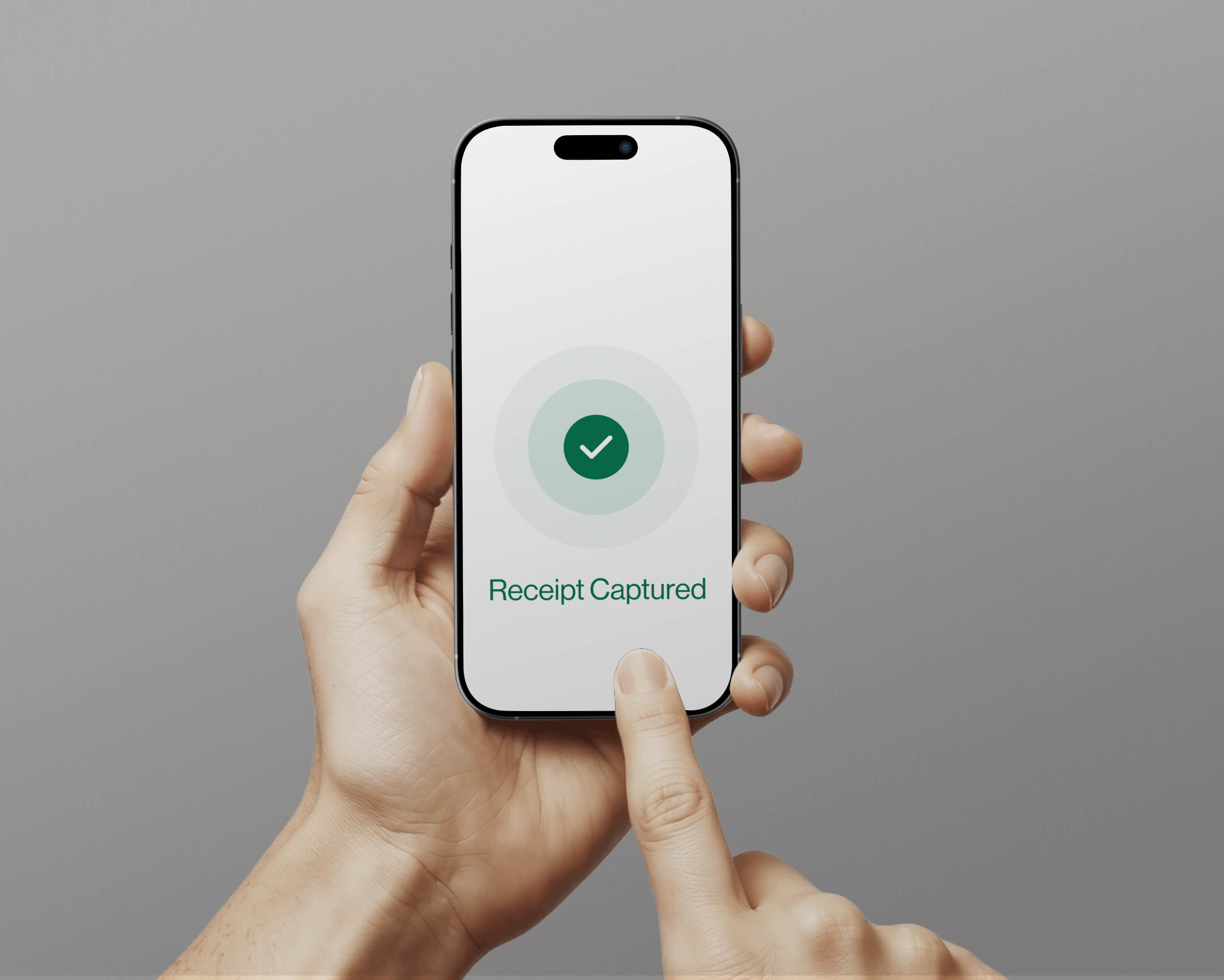
Hand holding a smartphone displaying a checkmark and the message 'Receipt Captured' on screen.
Grid of business logos including Sage, QuickBooks, Premier Construction Software, Visa, American Express, Acumatica, CMIC, and Mastercard on white rounded squares with gray background.

Robust Payroll & ERP Integrations

Vergo integrates natively with leading construction ERPs & Payroll including Viewpoint Vista, Spectrum, CMiC, Sage 300 CRE,  Foundation and more.

"Vergo is all about the customer and they genuinely care. Always attentive and always there when you need them."

Roger Helwig
Victory woodworks

World-class support

Orange shield with a yellow checkmark symbol on a textured black background.

Quality Guarantee

We offer a complimentary integration with your ERP system and you don't pay until your system is setup and working the way you want it.

Integrates with your ERP

Integrates seamlessly with Viewpoint Spectrum, Viewpoint Vista, Foundation Software, Sage, Acumatica, Quickbooks and more.
Man and woman focused on typing at computers in a dimly lit room with warm lighting.

24/7 Customer Support

Your business never stops and we know that when you need support you need it quick, that’s why we are always here to help.
CTA Succes Clicker
Get Started

Put your construction accounting on autopilot

Book Demo
Book Demo
FAQs

Frequently Asked Questions

What is the difference between corporate card expenses and employee reimbursements in Vergo?

Corporate card expenses are transactions on company-issued credit cards tracked and reconciled through Vergo's expense management module. Employee reimbursements are out-of-pocket costs paid by the employee personally — using their own cash or personal card — that the company owes back. Vergo handles both in a single platform. Card expenses are auto-matched to transactions and synced to the ERP. Reimbursements are submitted via mobile app, approved through a workflow, and posted to the ERP as a payable to the employee. Both are job-cost coded and ERP-integrated.

Can uncaptured reimbursements affect WIP reporting accuracy?

Yes — this is one of the most common causes of inaccurate WIP schedules in construction. When field employees submit reimbursements late or through disconnected systems, those costs aren't reflected in job cost reports until manually entered, understating actual costs and inflating projected profit on the WIP schedule. Vergo's real-time mobile capture and immediate ERP sync means reimbursable costs post to job cost as they happen, keeping cost-to-complete estimates accurate and reducing WIP adjustment surprises at month-end.

How do reimbursement approval workflows work in Vergo?

Vergo's reimbursement approval workflows are configurable to match your construction org structure. Reimbursements can be routed by Job Number (to the assigned project manager), by dollar threshold (amounts over a set limit route to the CFO), or by employee role. Approvers review from their phone or email without logging into the ERP. Once approved, the reimbursement syncs to the ERP — the controller reviews a clean, already-coded batch.

Can Vergo track mileage reimbursements for construction employees?

Yes. Vergo tracks mileage reimbursements for field employees and project managers who drive personal vehicles to job sites or between projects. Employees log mileage from the mobile app, Vergo calculates the reimbursable amount based on the IRS standard mileage rate or your company rate, and the record is coded to the appropriate job and cost code before routing for approval.

How does Vergo handle employee reimbursements for construction field teams?

Field employees — superintendents, foremen, and project managers — use the Vergo mobile app to submit out-of-pocket expenses on the job site. They photograph the receipt, select the job number and cost code, and submit. Vergo's AI extracts the expense data, routes it to the appropriate approver, and once approved, syncs the reimbursement record directly into the construction ERP — replacing email chains, paper receipts, and spreadsheets.