




5x
faster month-end close
<1 hr
per month to reconcile
90%
less time on expenses
7 days
to be fully integrated
"Vergo is all about the customer and they genuinely care. Always attentive and always there when you need them."
Roger Helwig


World-class support

Quality Guarantee
.png)
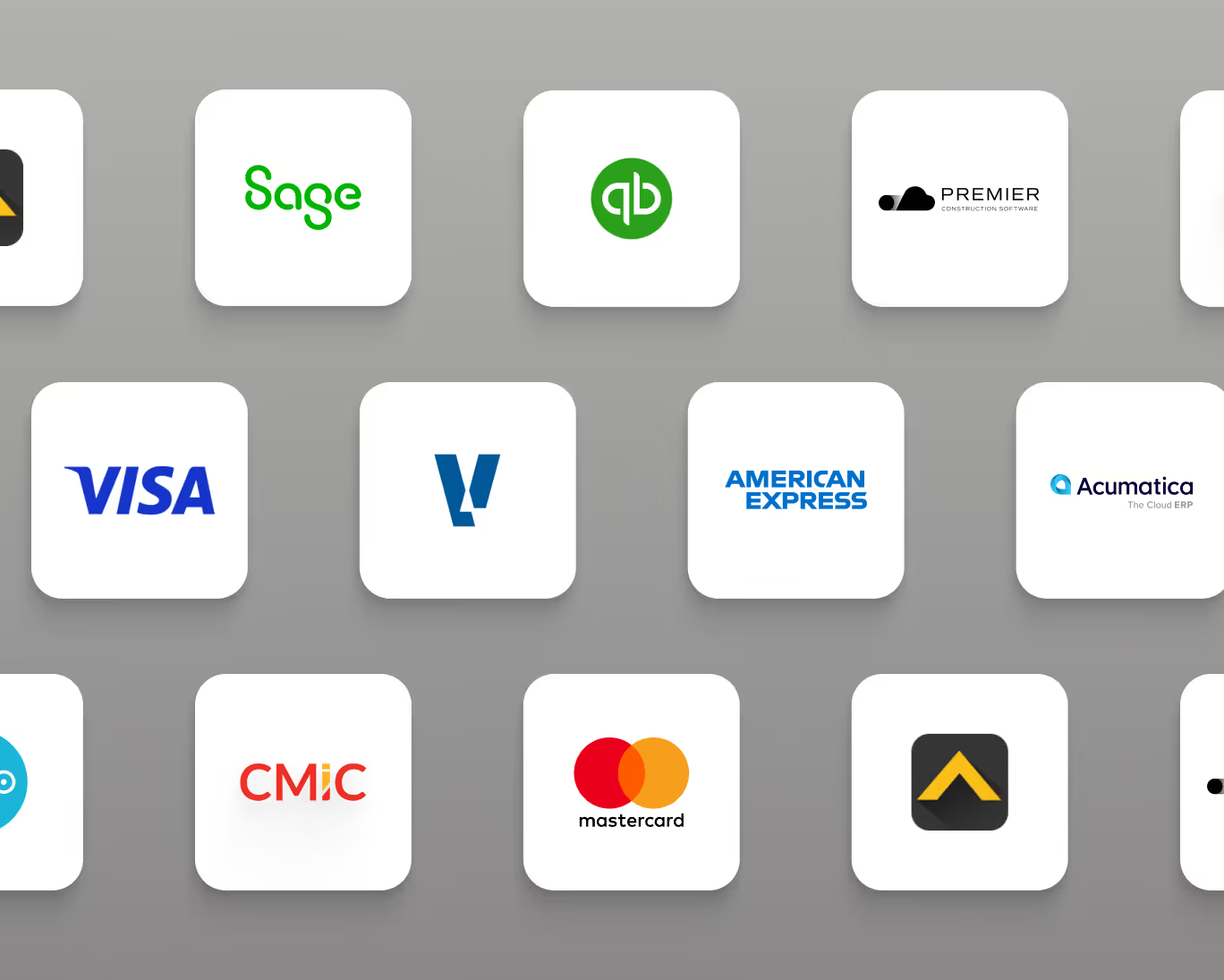
Integrates with your ERP

24/7 Customer Support

Frequently Asked Questions
How does AP automation affect month-end close?
Invoice backlogs are one of the leading causes of delayed month-end close. When invoices pile up waiting for manual entry or approval, cost reports are incomplete and accruals lag. Vergo eliminates the backlog by processing invoices in real time — as soon as they hit your inbox, they are captured, coded, and in the approval queue. Vergo customers have reduced AP processing time by over 50% and cut month-end close from 10 days to 2 days.
Does Vergo work with both emailed and paper invoices?
Yes. Vergo captures invoices automatically from your AP email inbox. For paper invoices, your team can drag and drop the PDF into Vergo or forward it to your dedicated Vergo AP inbox address. Vergo's AI processes all formats — PDFs, scanned images, and email attachments — and extracts the same data fields regardless of how the invoice was received.
Can Vergo detect duplicate invoices before they are paid?
Yes. Vergo's duplicate detection engine flags any invoice where the vendor, amount, and invoice number match a previously processed invoice. This catches the most common sources of double payment in AP — resubmitted invoices, emailed duplicates, and invoices entered manually that were also captured from the inbox. Flagged duplicates are held for controller review before they can be approved or posted.
How does Vergo route AP invoices to the right approver?
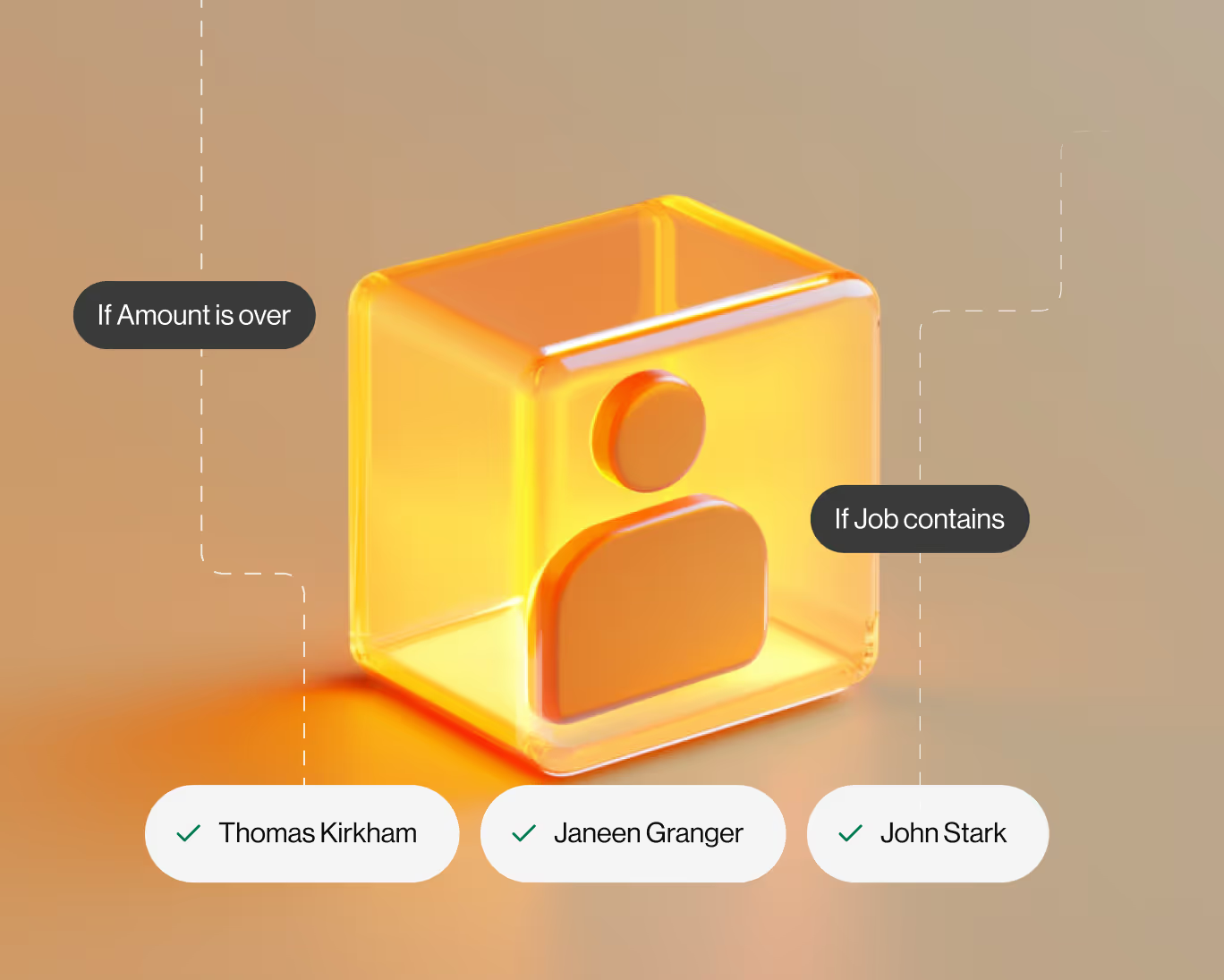
Vergo uses configurable rule-based approval routing. You can route invoices based on vendor, invoice amount, department, project or job, GL account, or any combination. For example, any invoice over $10,000 for a specific department or project automatically routes to its owner, with a secondary escalation to the CFO if it exceeds $50,000. Approvers approve from their phone or email — no ERP login required.
How does Vergo automate AP invoice processing?
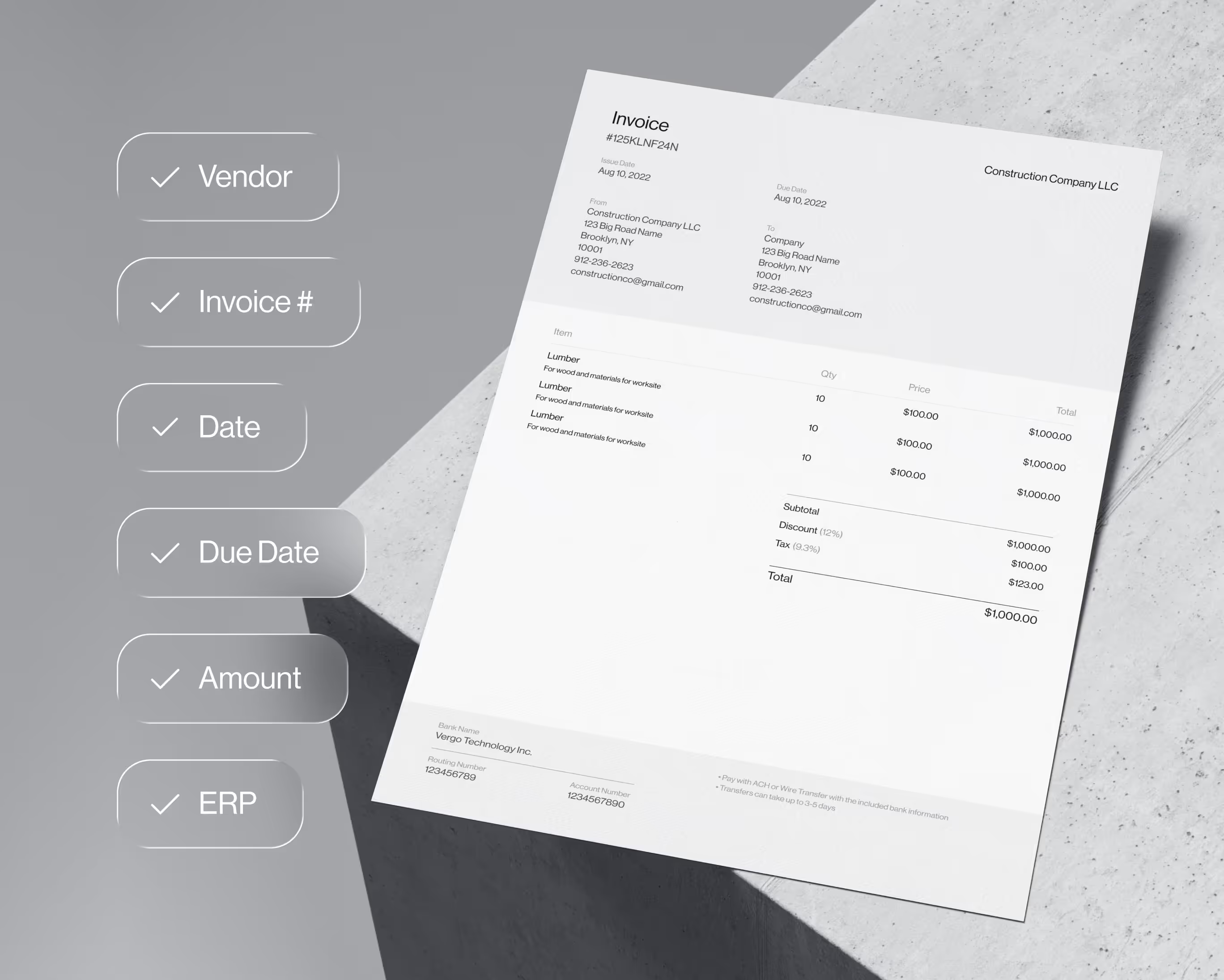
Vergo connects to your AP email inbox and captures every vendor invoice that arrives. AI extracts the vendor name, invoice number, date, due date, line items, and total. The invoice is coded to the correct GL account and dimensions — or job and cost code — based on your rules, routed to the appropriate approver, and posted directly into your ERP — all without manual entry from your accounting team.