




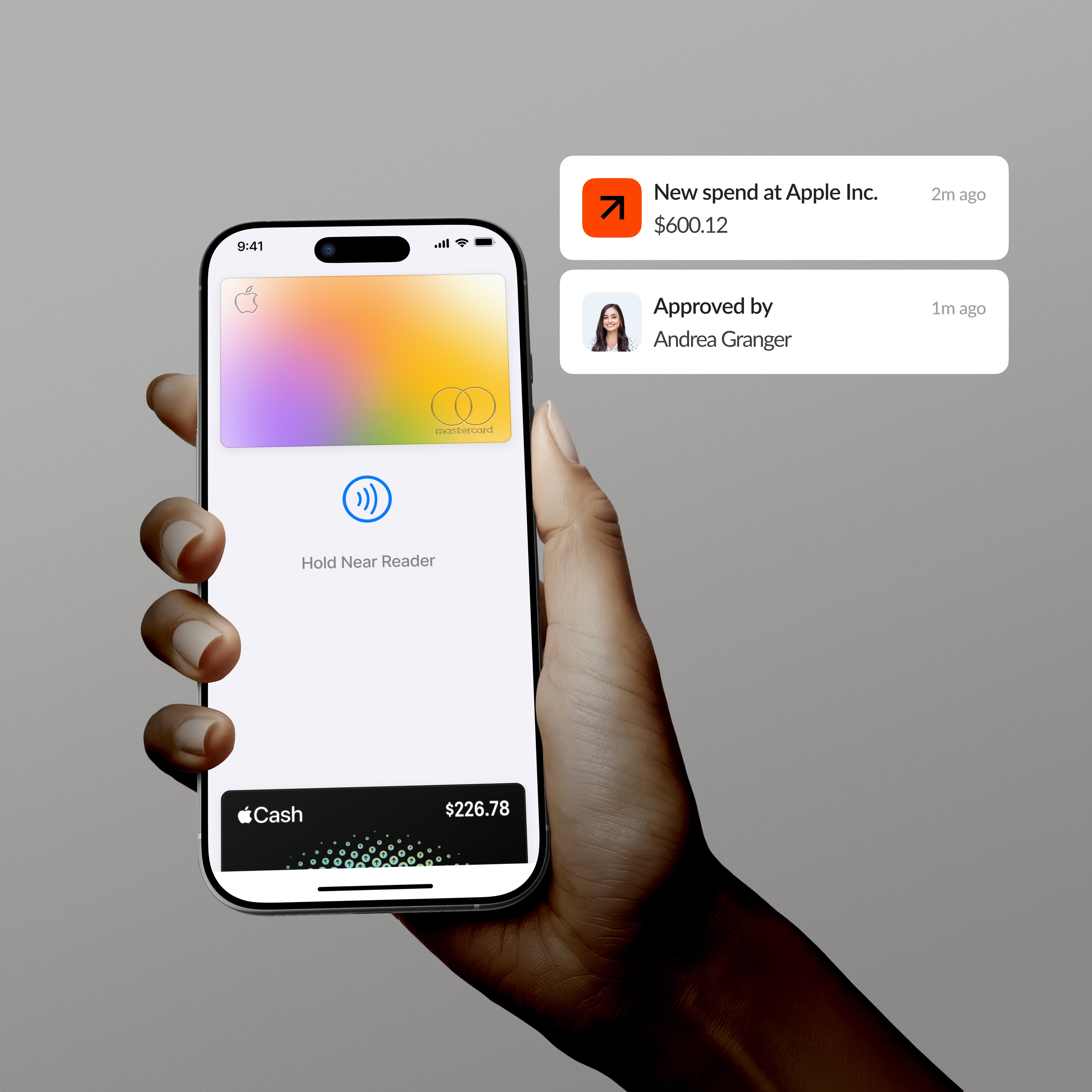
What does the Vergo + Jonas Premier integration do?
- Bring card transactions, employee reimbursements and AP invoices into one coding model for Jonas Premier
- Read jobs, accounts and cost items out of Jonas Premier so costs land on the right job, not a generic chart
- Code every transaction by AI inference from your job structure and history — no rule library to build, and new vendors coded on first sight
- Read receipts line by line, predicting the job and cost item from what was actually bought rather than the vendor name on the header
- Show why each coding was chosen, so review is confirmation rather than re-coding
- Post GL journals and AP invoice batches into Jonas Premier, with supporting documents attached to the invoice; Jonas Premier stays the system of record
- Work with the corporate, fuel and personal cards your crews already carry — Vergo does not issue cards
Expense management for Jonas Premier
Card spend is captured at swipe and coded to the job and cost item by inference, so job costs are current instead of arriving as an uncoded batch after the month closes.
AP automation for Jonas Premier
Subcontractor and supplier invoices are extracted line by line, routed for approval, and posted as AP invoice batches with the supporting document attached.
Reimbursements for Jonas Premier
Field expense claims run through the same coding and approval flow and post as GL journals against the jobs and cost items you already maintain.
App information
Security and compliance
Encryption
Infrastructure
Access controls
Audits
Frequently asked questions
Does Vergo integrate with Jonas Premier?
Yes. Vergo connects through the documented Jonas Premier API, reading your jobs, accounts and cost items and posting coded entries back.
Does Vergo handle job costing with Jonas Premier?
Yes. Spend is coded to the job and cost item at capture, so costs reach the job while it is still running rather than at month end.
What does Vergo post into Jonas Premier?
GL journals via CreateGLJournal, and AP invoices through CreateAPInvoice and PostAPInvoiceBatch, with documents attached via AddDocumentToAPInvoice.
How is the connection set up?
Self-serve — Vergo connects directly through the published API; nothing is needed from your team beyond authorising access.
Does Jonas Premier have built-in expense management?
Jonas Premier handles job costing and the ledger. It does not capture card spend at swipe, chase receipts from the field, or code transactions by inference — that is the gap Vergo fills.
Discover more integrations























































.png)


















.png)


































.png)





.png)

























































































































White-glove onboarding and customer support.
