





What does the Vergo + Deltek Ajera integration do?
- Bring card transactions, employee reimbursements and AP invoices into one coding and approval flow
- Read your GL accounts, projects and vendors out of Deltek Ajera so spend is coded to your own structure, not a generic chart
- Code every transaction by AI inference from your accounting structure and history — no rule library to build, and new vendors coded on first sight
- Read receipts line by line, predicting the coding from what was actually bought rather than the vendor name on the header
- Show why each coding was chosen, so review is confirmation rather than re-coding
- Post coded spend into Deltek Ajera as expense reports with the credit card payment method and vendor invoices on the v2 API, receipts attached
- Work with the corporate, fuel and personal cards your business already holds — Vergo does not issue cards
Expense management as Ajera expense reports
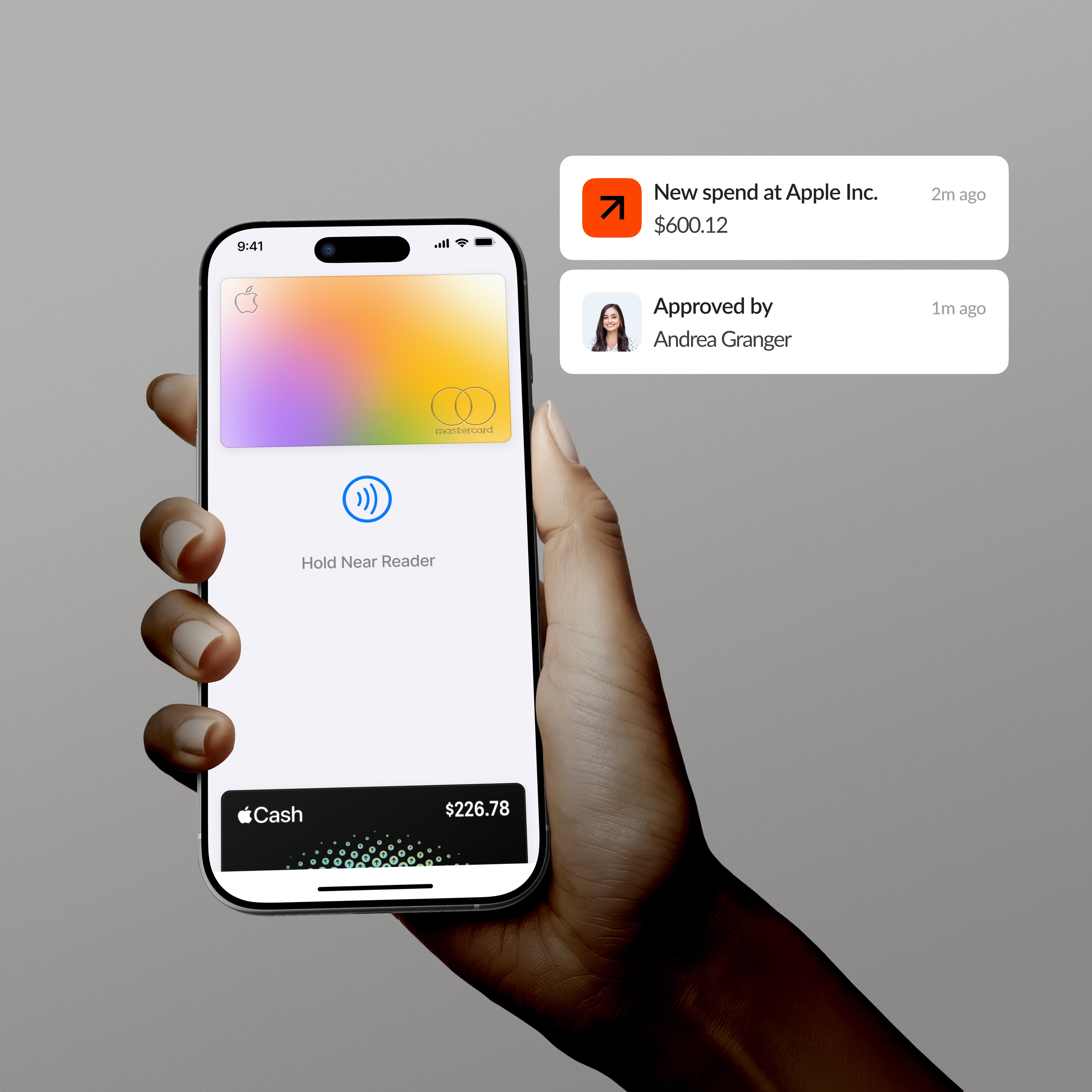
Vergo codes every card transaction against your Ajera structure and posts it as an expense report with the credit card payment method, receipt attached — finished before it arrives.
AP automation through CreateVendorInvoices
Invoices are captured, coded, and approved in Vergo, then posted into Ajera as vendor invoices on the v2 API with vendor records handled automatically. Payment stays on your existing rails.
Reimbursements on the same coding model
Employee out-of-pocket claims run through the same coding and approval flow as card spend and post into Ajera as expense reports, coded consistently with everything else.
App information
Security and compliance
Encryption
Infrastructure
Access controls
Audits
Frequently asked questions
Does Vergo integrate with Deltek Ajera?
Yes. Vergo connects to the Ajera API with credentials provisioned from inside your Ajera system, and posts coded spend as expense reports and vendor invoices with attachments.
How does card spend appear in Ajera?
As expense reports using Ajera's credit card payment method — created through the API with receipts attached via UploadExpenseReports, coded before they arrive.
What data syncs between Vergo and Ajera?
Vergo reads GL accounts and vendors, and posts expense reports (created via UpdateExpenseReports), vendor invoices (CreateVendorInvoices, v2), and expense report attachments.
What does setup involve for an on-premise Ajera system?
Your IT generates API credentials from inside Ajera once. Vergo connects with them, reads your structure, and manages the integration from there — no development work on your side.
Does Ajera have built-in expense management?
Ajera has expense reports, but capture, coding, and approval still happen by hand. Vergo automates that layer and posts the finished expense report — coded, approved, receipt attached — through the API.
Discover more integrations


















































.png)












.png)



























.png)





.png)















































































































White-glove onboarding and customer support.
