



Post-tensioning is a construction technique used to strengthen and reinforce concrete structures, such as bridges, buildings, and parking garages. It involves inserting high-strength steel tendons into the concrete before it fully sets, and then applying tension to the tendons once the concrete has hardened. This process helps to counteract the natural tendency of concrete to crack under heavy loads, improving the overall durability and longevity of the structure.One of the key benefits of post-tensioning is its ability to create larger, more open spaces without the need for as many supporting columns or beams. This can result in cost savings and increased design flexibility for architects and engineers. Additionally, post-tensioned structures are often more resistant to seismic activity and other external forces,

What is Post-tensioning?
Suffering from credit card
receipt chaos?
Give your accounting team an easier way to collect accounts payable data from project managers and field teams.
expense management
Connect any credit card
Connect any credit card to our platform and collect receipts via our modern mobile app, sync with your ERP instantly and close your books faster.

ERP integrations
Industry ERP integrations
Integrates seamlessly with Viewpoint Spectrum, Viewpoint Vista, Foundation Software, Sage, Acumatica, Quickbooks, CMIC and many more.

Automation
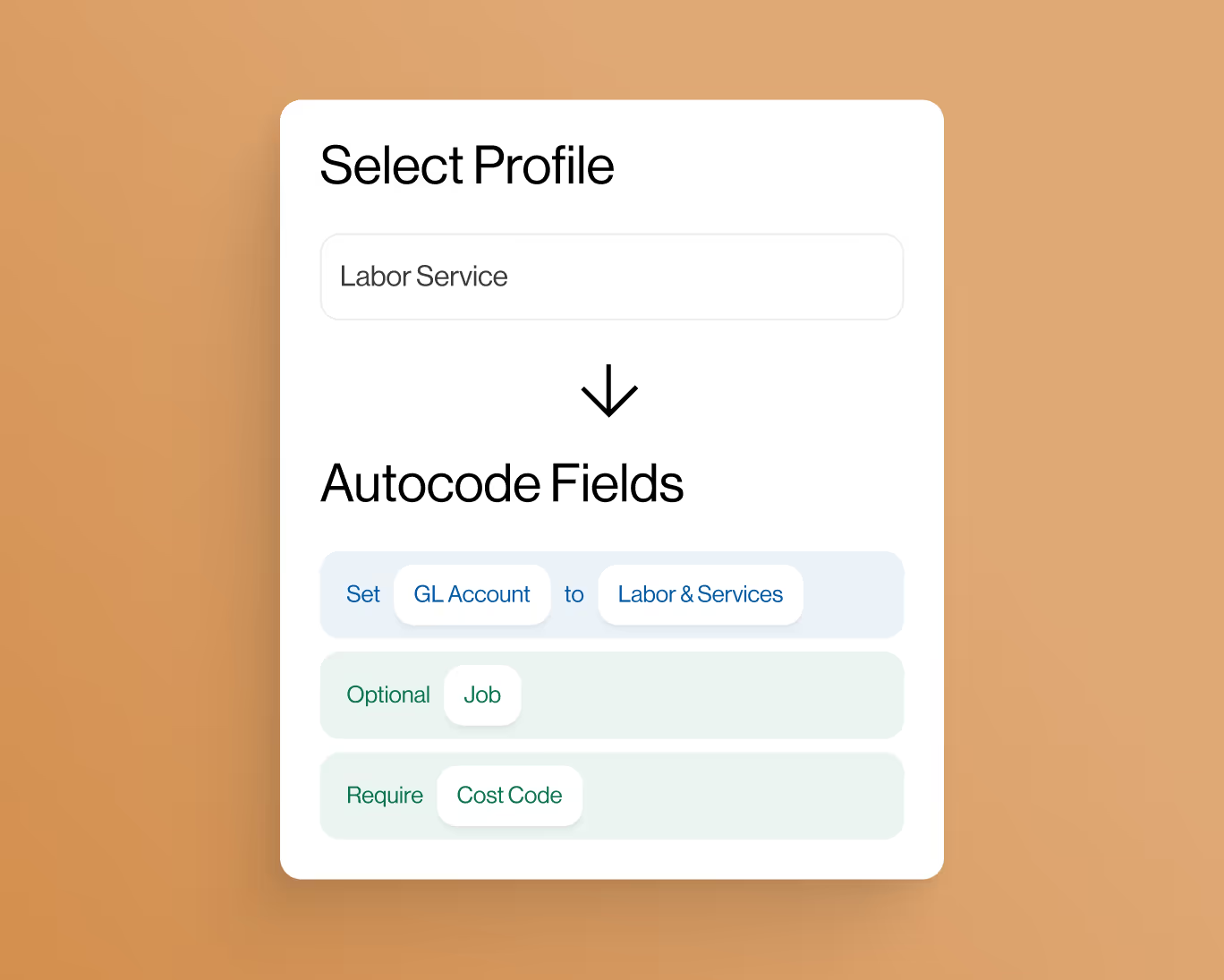
Automate project coding
Create custom AI-Powered automation rules to put your project accounting on auto-pilot.
controls
Eliminate coding errors
Create custom enterprise-grade controls to eliminate data entry errors from the field.

Approvals
Approvals by project
Setup robust approval workflows by project manager, team manager or value amounts.

ai-Powered
AI-Powered automations
Auto-match receipts directly to credit card transactions for complete automation.


