



In construction, the term "core and shell" refers to the basic structure and framework of a building. The core typically includes the main structural elements such as columns, beams, and concrete walls that provide support and stability to the entire building. This core is essential for ensuring the safety and integrity of the structure, as it bears the weight of the building and resists external forces such as wind and seismic activity.On the other hand, the shell of a building refers to the exterior envelope or skin that encloses the core. This includes elements such as the facade, windows, doors, and roof that protect the interior spaces from the elements and provide a finished appearance. The shell also plays a crucial role in regulating temperature, controlling natural light, and contributing

What is Core & shell?
Suffering from credit card
receipt chaos?
Give your accounting team an easier way to collect accounts payable data from project managers and field teams.
expense management
Connect any credit card
Connect any credit card to our platform and collect receipts via our modern mobile app, sync with your ERP instantly and close your books faster.

ERP integrations
Industry ERP integrations
Integrates seamlessly with Viewpoint Spectrum, Viewpoint Vista, Foundation Software, Sage, Acumatica, Quickbooks, CMIC and many more.

Automation
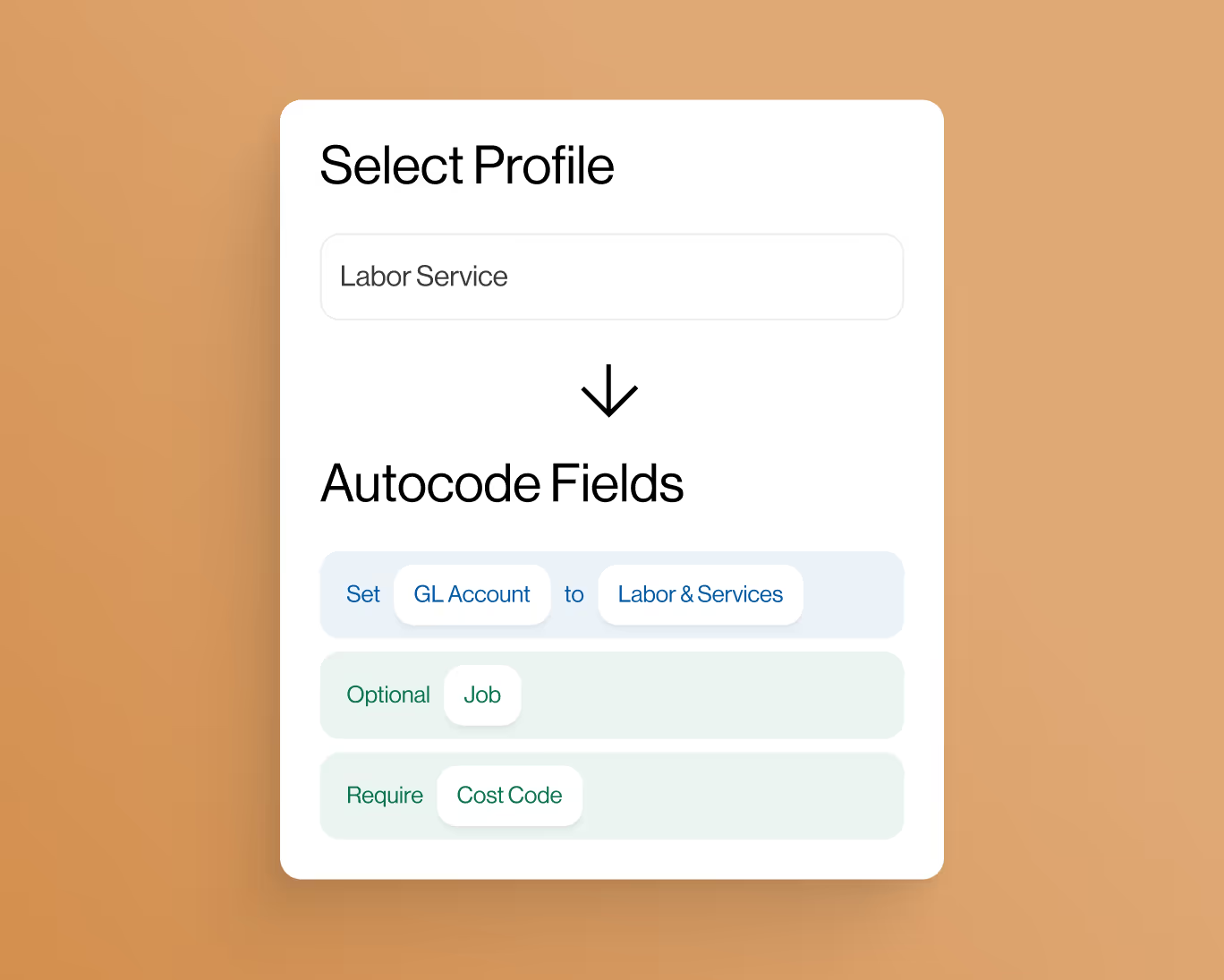
Automate project coding
Create custom AI-Powered automation rules to put your project accounting on auto-pilot.
controls
Eliminate coding errors
Create custom enterprise-grade controls to eliminate data entry errors from the field.

Approvals
Approvals by project
Setup robust approval workflows by project manager, team manager or value amounts.
ai-Powered
AI-Powered automations
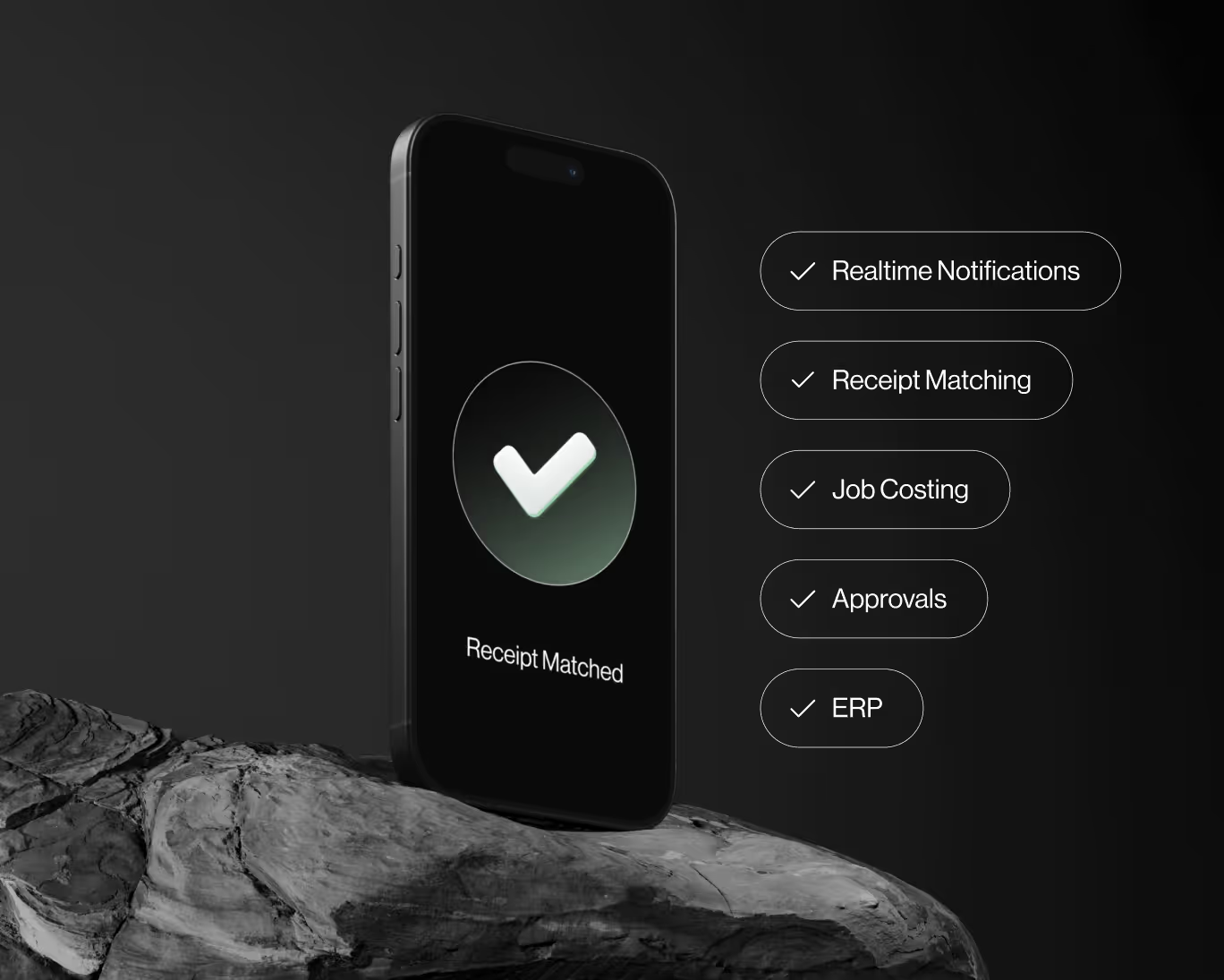
Auto-match receipts directly to credit card transactions for complete automation.


