



In the construction industry, the term "take off" refers to the process of determining the quantities of materials needed for a specific project. This involves carefully reviewing the project plans and specifications to calculate the amount of materials such as concrete, steel, and lumber required for construction. Take offs are essential in estimating costs accurately and ensuring that there are enough materials on hand to complete the project on time and within budget.During the take off process, construction professionals carefully measure and quantify each component of the project, taking into account factors such as waste, shrinkage, and potential errors. This detailed analysis helps to prevent shortages or overages of materials, which can lead to delays and increased costs. By accurately estimating the quantities of materials needed, contractors can create more accurate

What is Take off?
Suffering from credit card
receipt chaos?
Give your accounting team an easier way to collect accounts payable data from project managers and field teams.
expense management
Connect any credit card
Connect any credit card to our platform and collect receipts via our modern mobile app, sync with your ERP instantly and close your books faster.

ERP integrations
Industry ERP integrations
Integrates seamlessly with Viewpoint Spectrum, Viewpoint Vista, Foundation Software, Sage, Acumatica, Quickbooks, CMIC and many more.

Automation
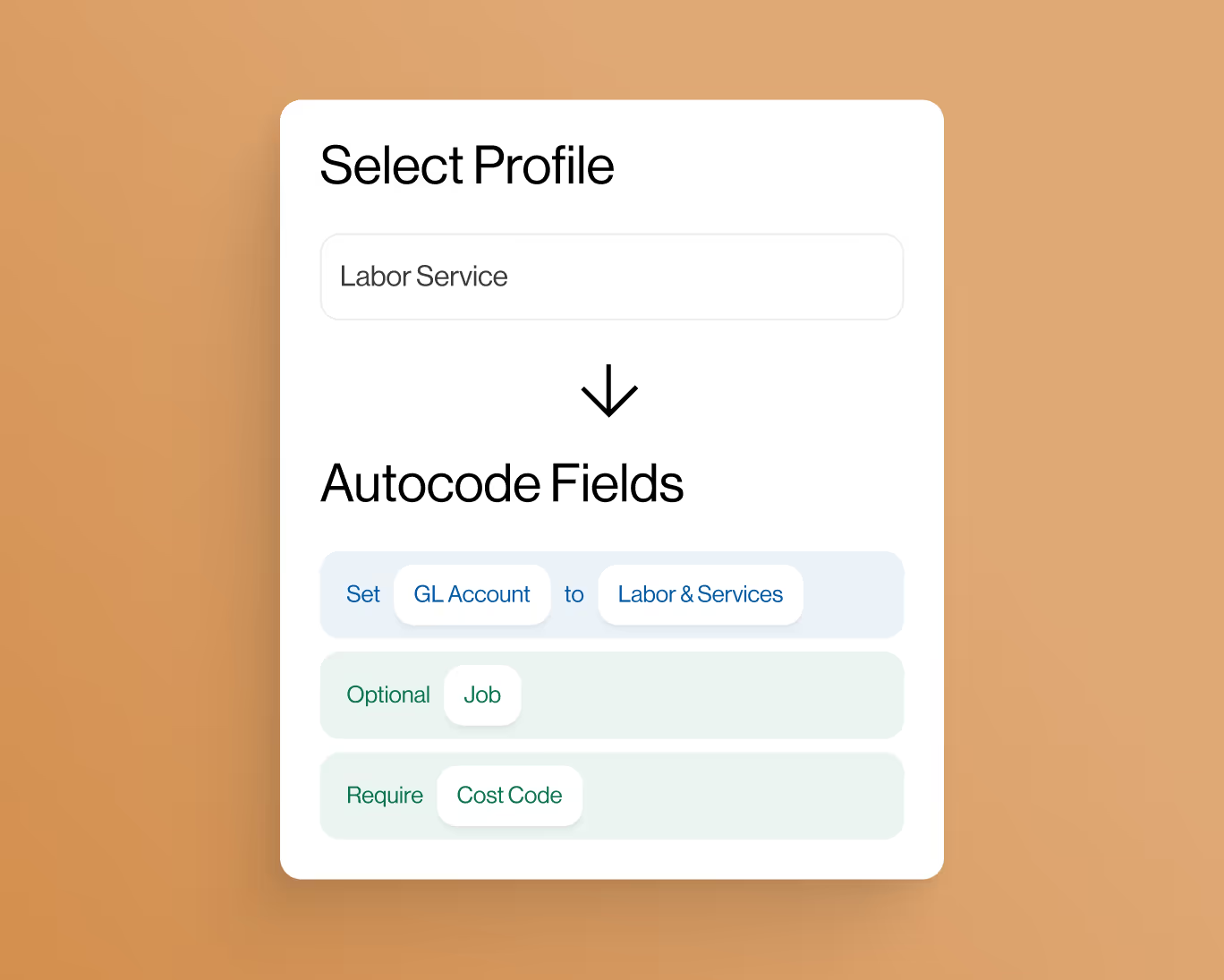
Automate project coding
Create custom AI-Powered automation rules to put your project accounting on auto-pilot.
controls
Eliminate coding errors
Create custom enterprise-grade controls to eliminate data entry errors from the field.

Approvals
Approvals by project
Setup robust approval workflows by project manager, team manager or value amounts.

ai-Powered
AI-Powered automations
Auto-match receipts directly to credit card transactions for complete automation.


