



A Project Cost Report in construction is a detailed document that outlines the financial aspects of a construction project. It provides a comprehensive overview of all costs associated with the project, including labor, materials, equipment, permits, and any other expenses incurred during the construction process. The report is typically prepared by the project manager or construction team and is essential for tracking and managing the budget throughout the project.The Project Cost Report also includes a breakdown of costs by category, allowing stakeholders to identify areas where costs are exceeding the budget or where savings can be made. This information is crucial for making informed decisions about resource allocation, scheduling, and scope adjustments to ensure the project stays within budget and is completed on time. Additionally, the report can be used to compare actual costs against

What is Project Cost Report?
Suffering from credit card
receipt chaos?
Give your accounting team an easier way to collect accounts payable data from project managers and field teams.
expense management
Connect any credit card
Connect any credit card to our platform and collect receipts via our modern mobile app, sync with your ERP instantly and close your books faster.

ERP integrations
Industry ERP integrations
Integrates seamlessly with Viewpoint Spectrum, Viewpoint Vista, Foundation Software, Sage, Acumatica, Quickbooks, CMIC and many more.

Automation
Automate project coding
Create custom AI-Powered automation rules to put your project accounting on auto-pilot.
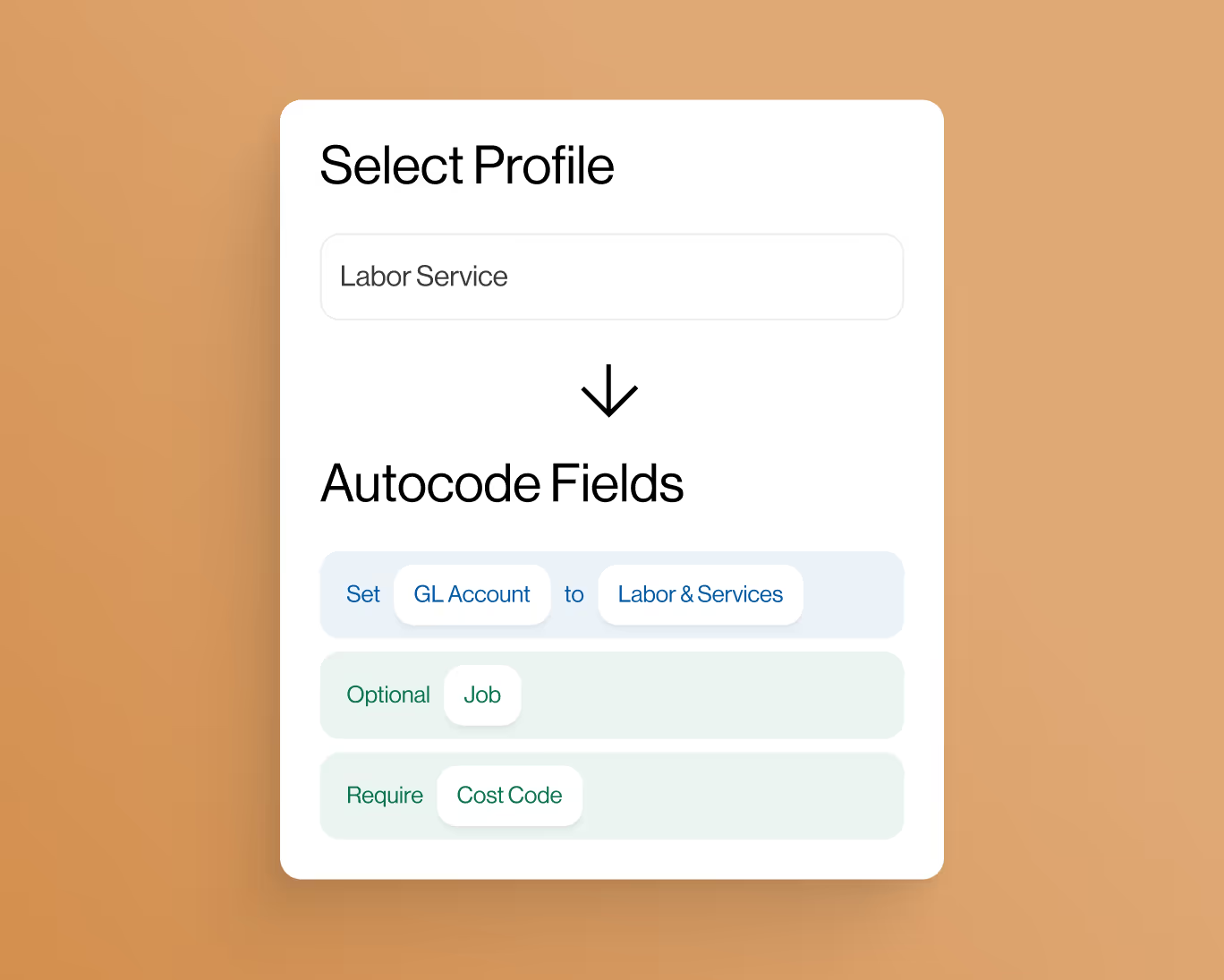
controls
Eliminate coding errors
Create custom enterprise-grade controls to eliminate data entry errors from the field.

Approvals
Approvals by project
Setup robust approval workflows by project manager, team manager or value amounts.
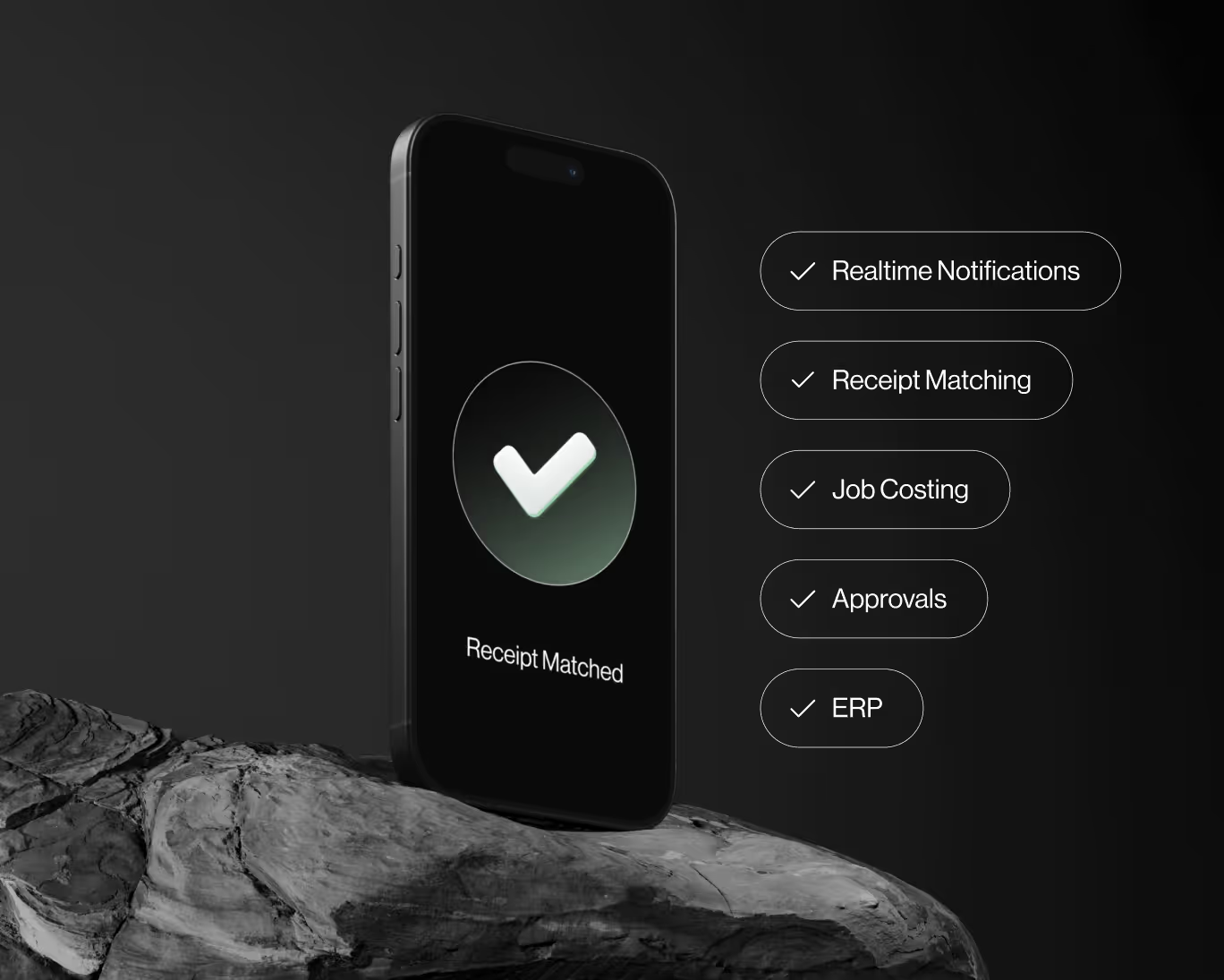
ai-Powered
AI-Powered automations
Auto-match receipts directly to credit card transactions for complete automation.


