



In the construction industry, liabilities refer to financial obligations or debts that a company or individual may owe to others as a result of their operations. These liabilities can arise from a variety of sources, including contracts with subcontractors, suppliers, or clients, as well as legal claims or judgments. Common examples of construction liabilities include accounts payable, loans, bonds, and warranties. Liabilities are an important aspect of financial management in construction, as they can impact a company's ability to secure financing, bid on projects, and meet its contractual obligations.Managing liabilities effectively is essential for construction companies to maintain financial stability and minimize risk. This involves accurately tracking and reporting liabilities in financial statements, ensuring that contractual obligations are met in a timely manner, and implementing risk management strategies

What is Liabilities?
Suffering from credit card
receipt chaos?
Give your accounting team an easier way to collect accounts payable data from project managers and field teams.
expense management
Connect any credit card
Connect any credit card to our platform and collect receipts via our modern mobile app, sync with your ERP instantly and close your books faster.
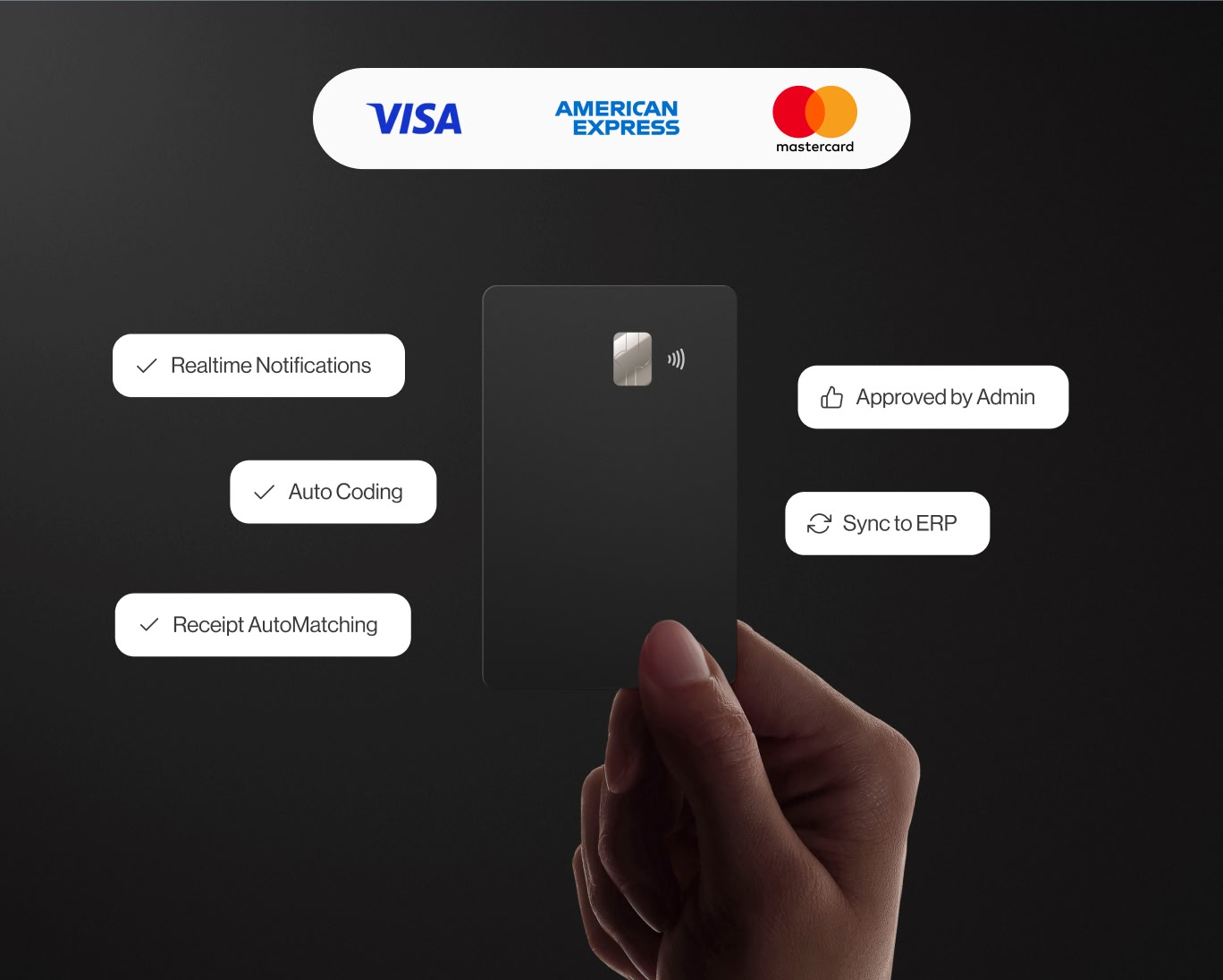
ERP integrations
Industry ERP integrations
Integrates seamlessly with Viewpoint Spectrum, Viewpoint Vista, Foundation Software, Sage, Acumatica, Quickbooks, CMIC and many more.

Automation
Automate project coding
Create custom AI-Powered automation rules to put your project accounting on auto-pilot.
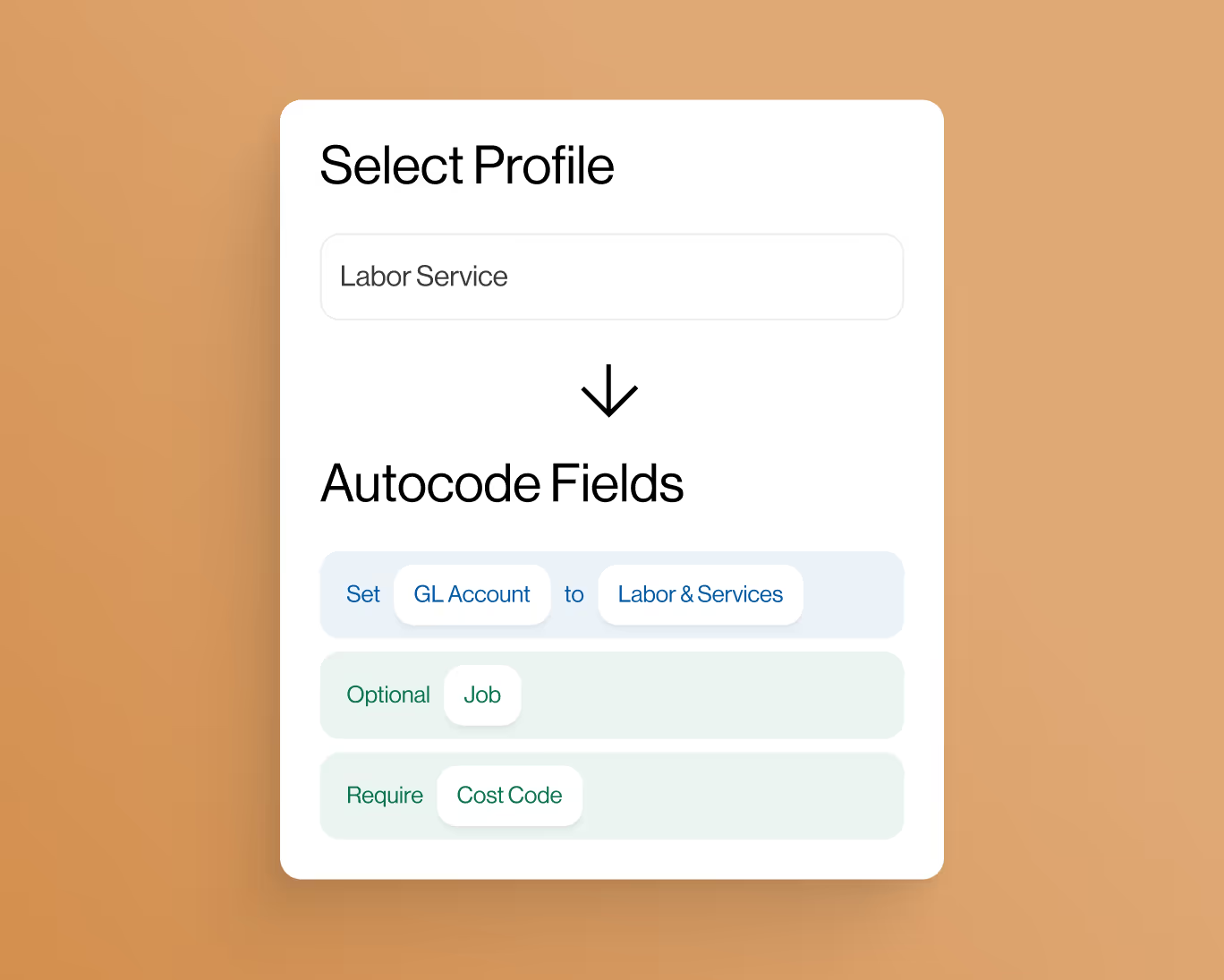
controls
Eliminate coding errors
Create custom enterprise-grade controls to eliminate data entry errors from the field.

Approvals
Approvals by project
Setup robust approval workflows by project manager, team manager or value amounts.
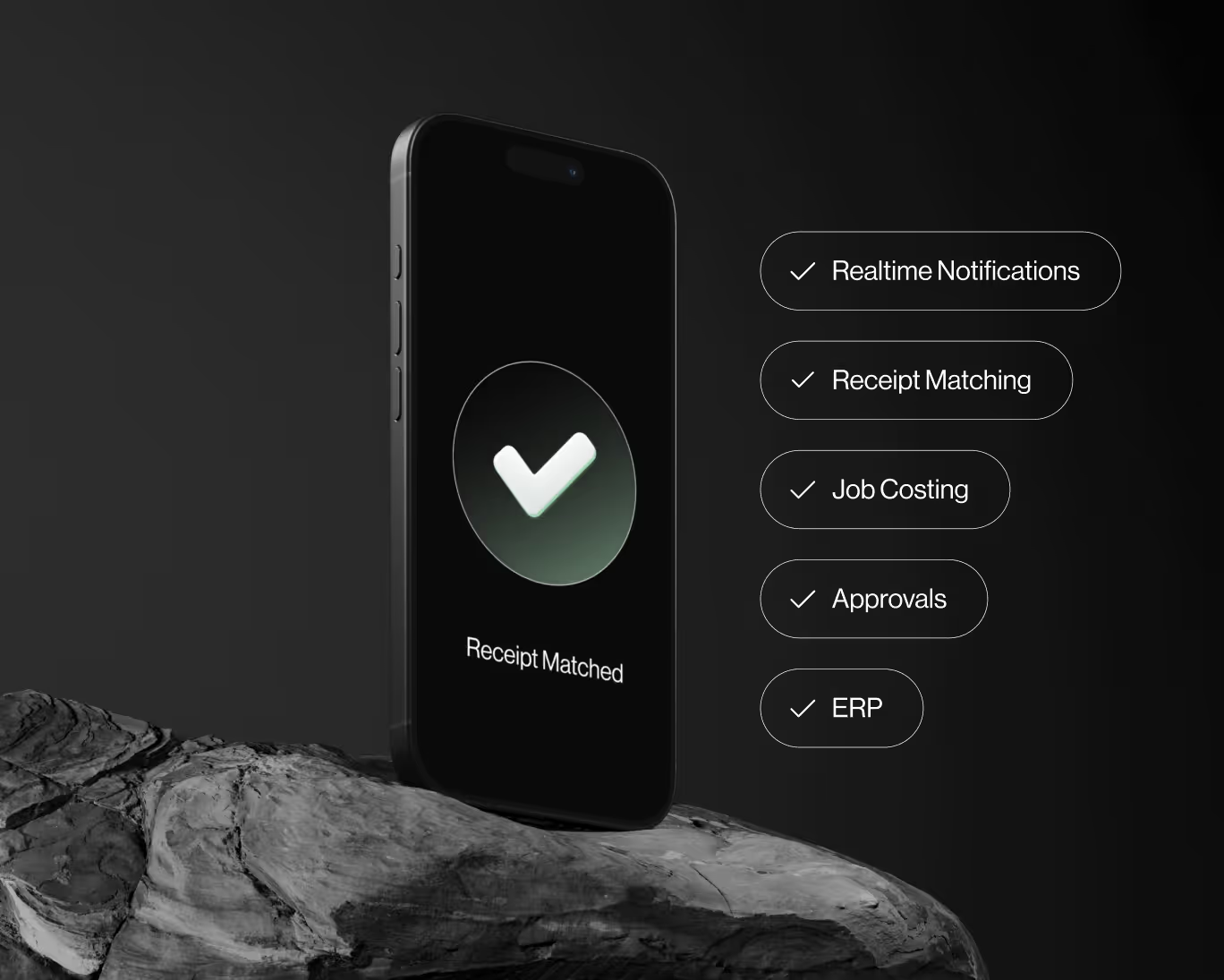
ai-Powered
AI-Powered automations
Auto-match receipts directly to credit card transactions for complete automation.


