



A Certificate of Occupancy (CO) is a crucial document issued by local government authorities to certify that a building is safe and suitable for occupancy. This document is typically required before a building can be used or inhabited, and serves as proof that the structure meets all building codes and regulations. The CO is typically obtained after a final inspection by the building department, ensuring that the construction project has been completed according to approved plans and specifications.The Certificate of Occupancy is important for both the building owner and the local government, as it helps to protect the health and safety of occupants while also ensuring compliance with zoning laws and other regulations. Without a CO, a building may be deemed illegal or unsafe for occupancy, leading to potential fines or legal consequences. It is

What is Certificate of Occupancy?
Suffering from credit card
receipt chaos?
Give your accounting team an easier way to collect accounts payable data from project managers and field teams.
expense management
Connect any credit card
Connect any credit card to our platform and collect receipts via our modern mobile app, sync with your ERP instantly and close your books faster.

ERP integrations
Industry ERP integrations
Integrates seamlessly with Viewpoint Spectrum, Viewpoint Vista, Foundation Software, Sage, Acumatica, Quickbooks, CMIC and many more.

Automation
Automate project coding
Create custom AI-Powered automation rules to put your project accounting on auto-pilot.
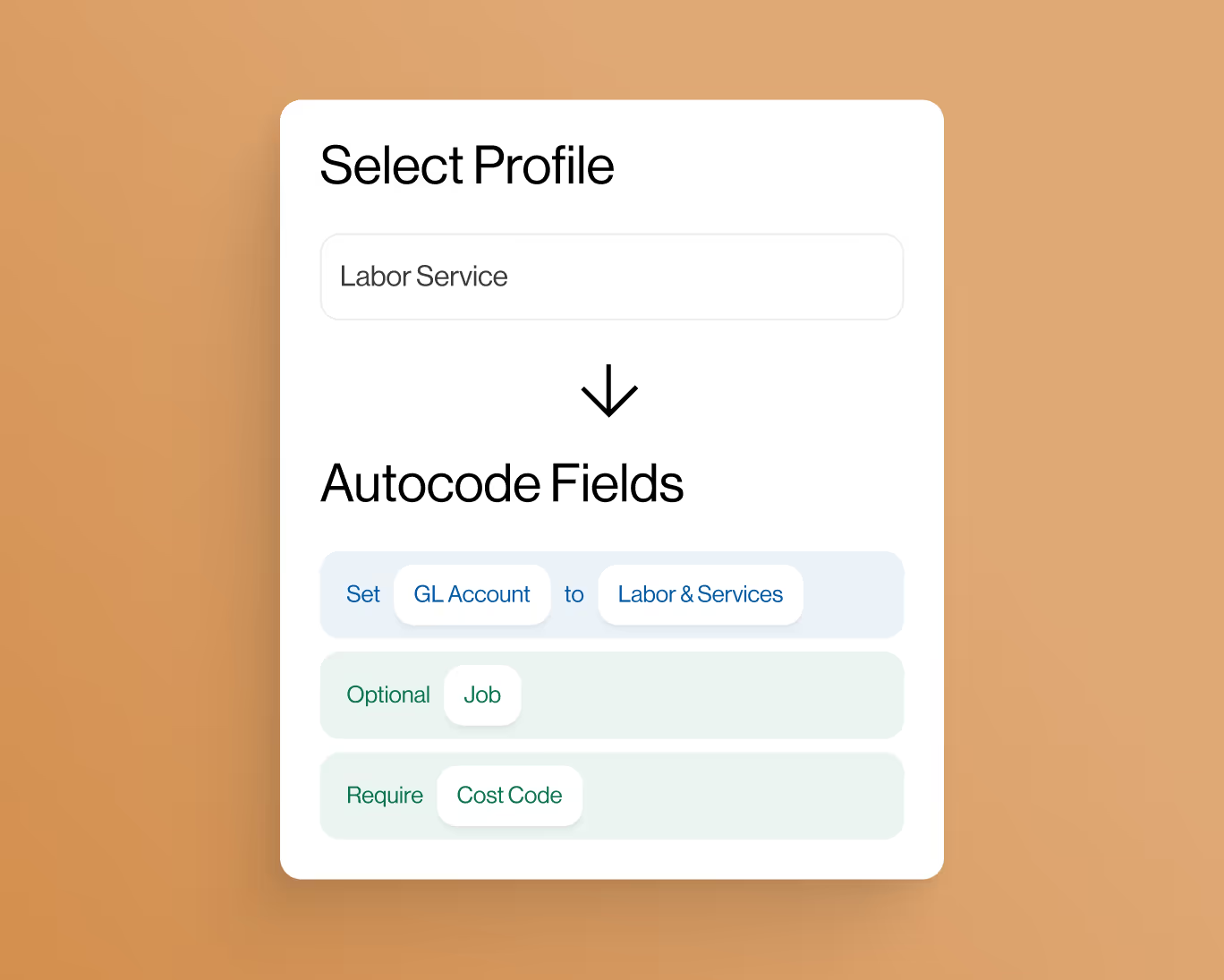
controls
Eliminate coding errors
Create custom enterprise-grade controls to eliminate data entry errors from the field.

Approvals
Approvals by project
Setup robust approval workflows by project manager, team manager or value amounts.
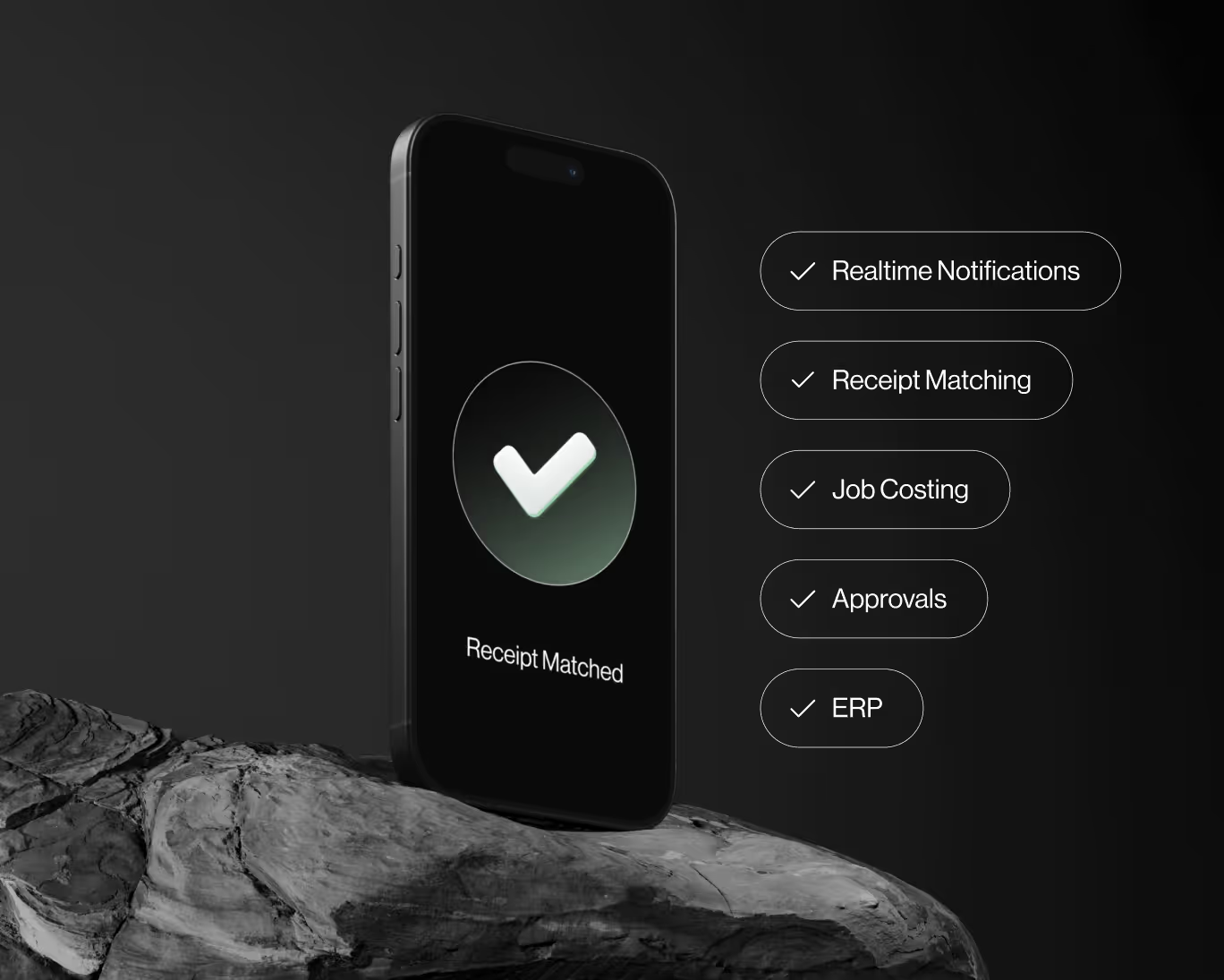
ai-Powered
AI-Powered automations
Auto-match receipts directly to credit card transactions for complete automation.


